TO SET UP EMAIL USING GET MY MAIL MOBILE ADDIN FOR WINDOWS PHONE
1

Select the Settings button from the windows phone main screen.
2

Select email + accounts
3

Select Add Account
4
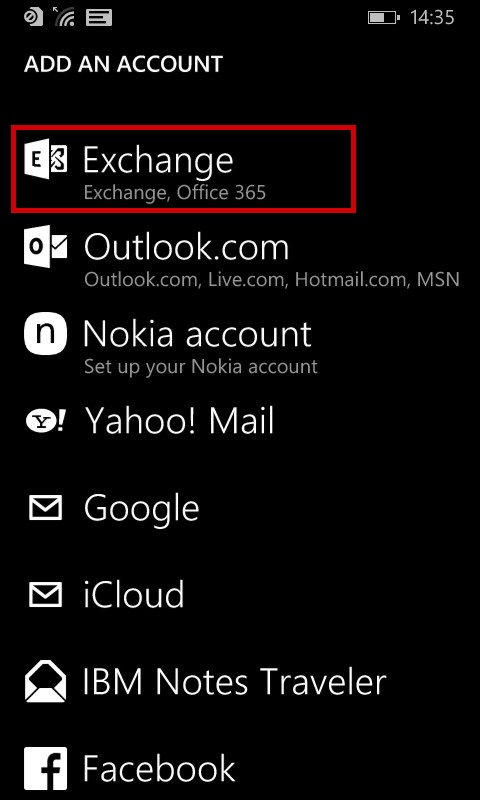
Select Exchange
5
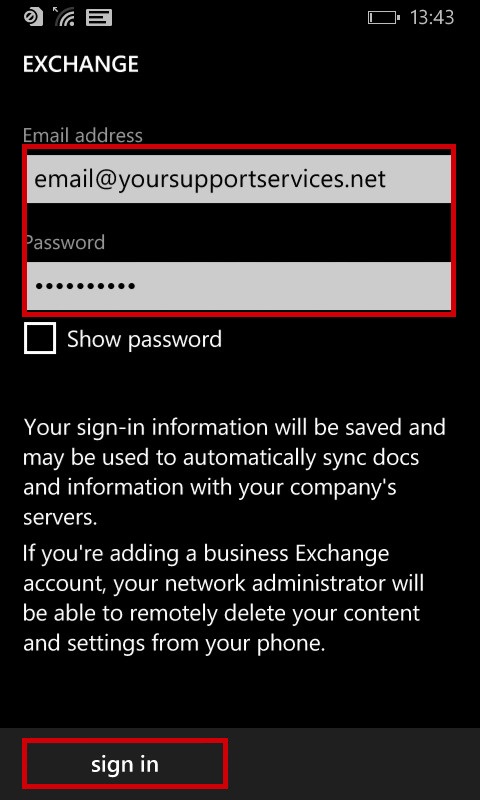
Enter Email Address and Password and click Sign In
| E-Mail Address : | email@yoursupportservices.net |
| Password : | This is the password you associated with your mailbox in the control panel |
7
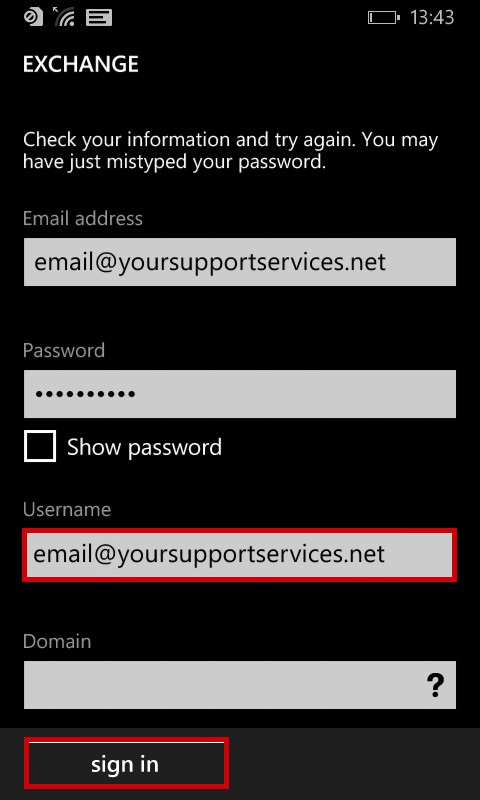
Enter your username of your full email address and click signin
8
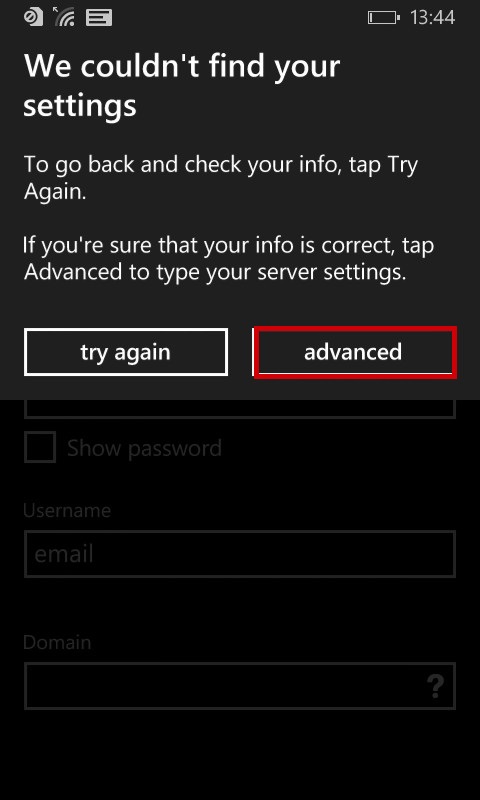
Select advanced settings
9
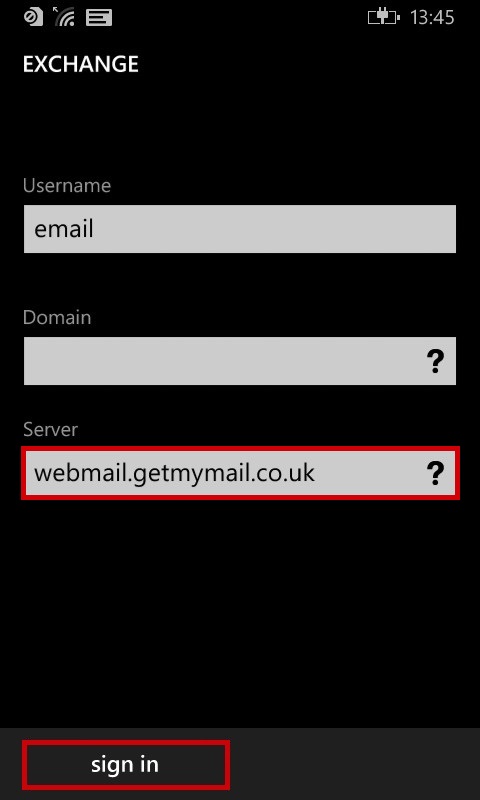
Enter Server of webmail.getmymail.co.uk and click Sign in
10
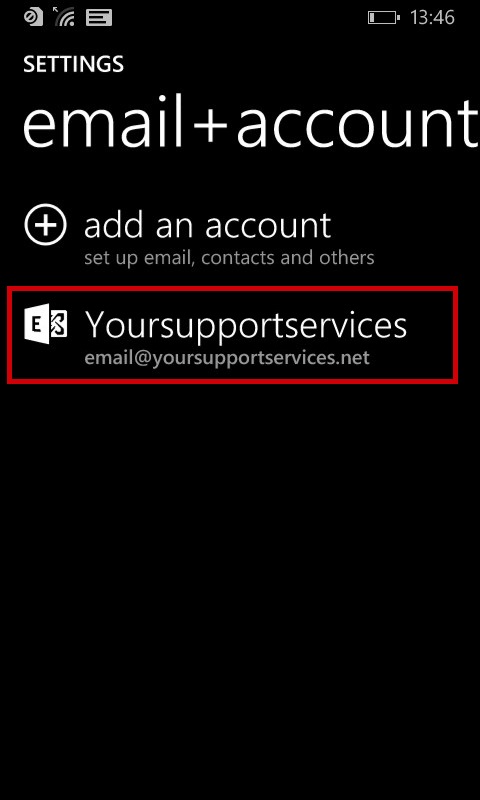
Your account is now setup