BASKET
1

You can access your basket from the "left hand" or "main screen" navigation
Q Remove Products
1
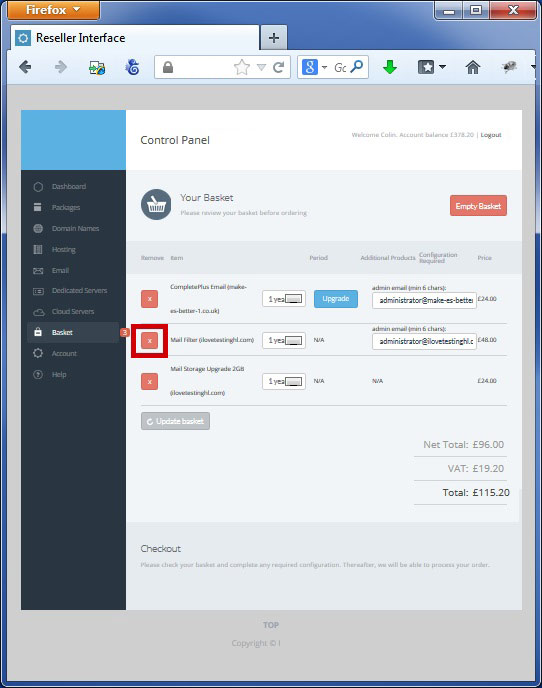
You can remove products by clicking the cross beside the product you no longer require
2
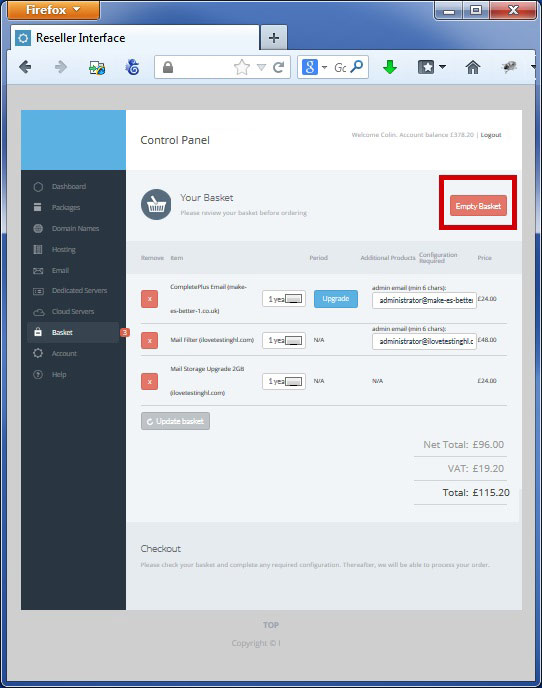
You can clear your entire basket by clicking "Empty basket"
Q Amend Renewal
1
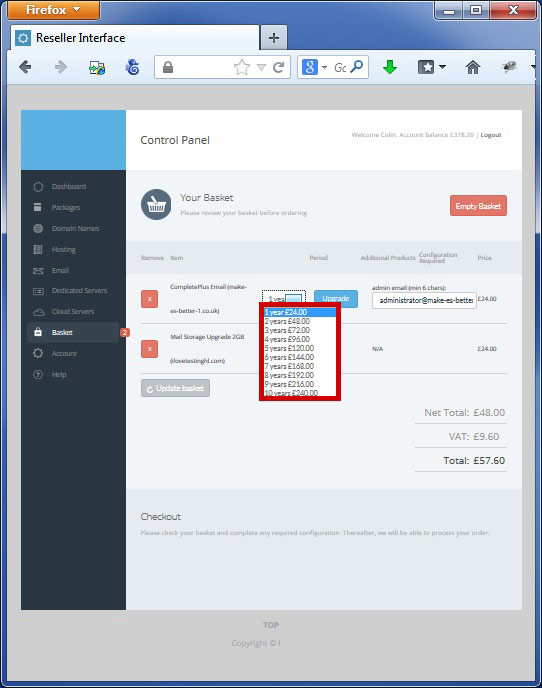
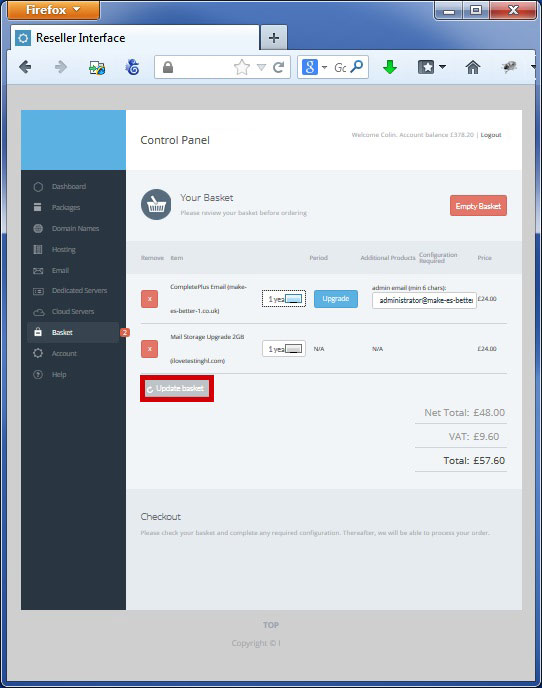
You can change the renewal period by selecting the dropdown
2
Click "Update Basket" to confirm
Q Checkout
1
Confirm you are happy with your order by clicking "Update Basket"
2
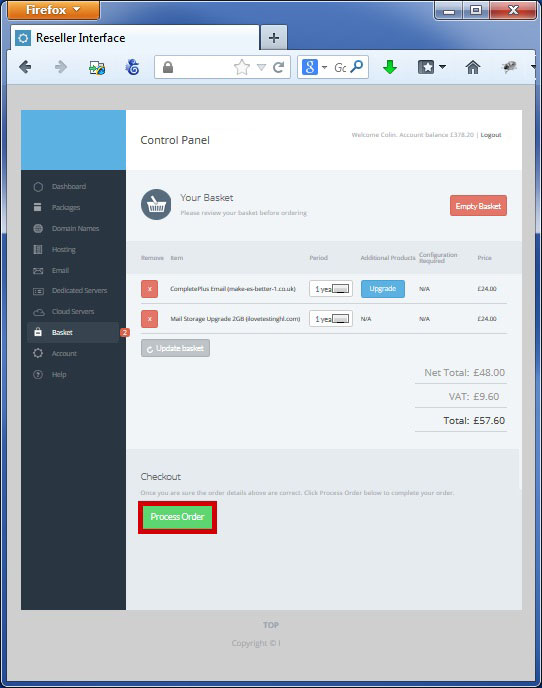
Process the order by clicking "Process Order"
3
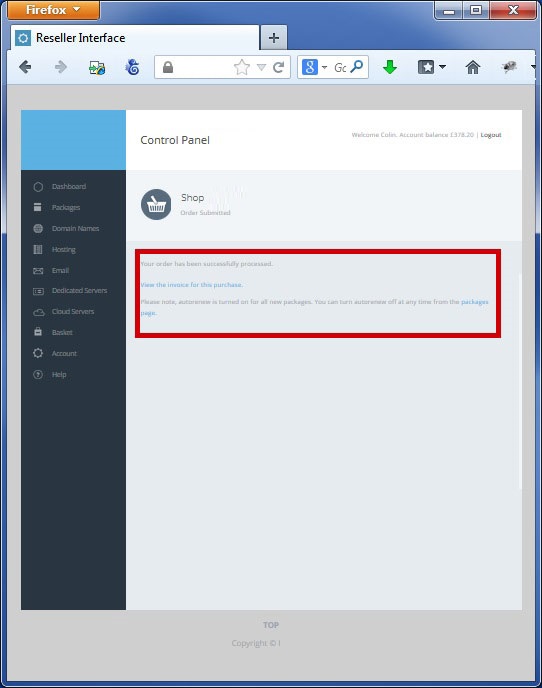
You can then view your invoice and amend your auto renewal status