GENERAL
Q Login
1
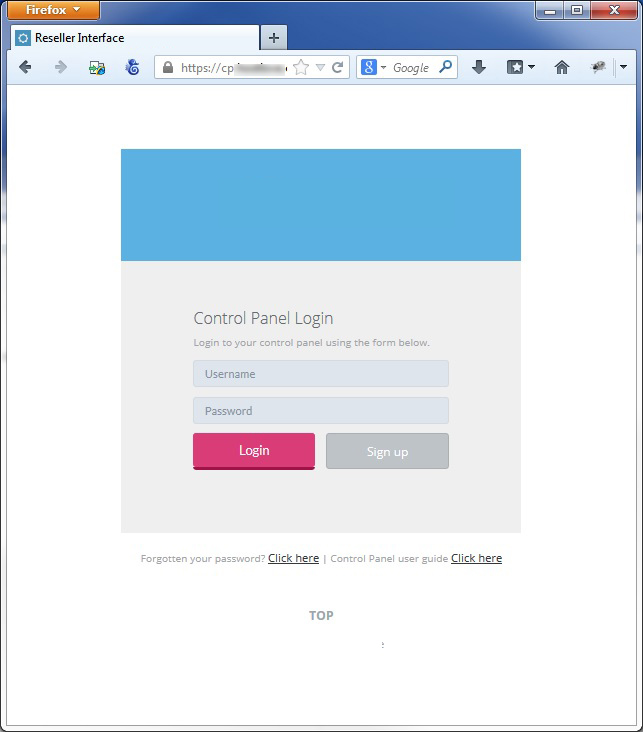
You can access your control panel by visiting http://cp.hostlove.co.uk
2
Enter your username and password and click Login

Q Forgot your password
1
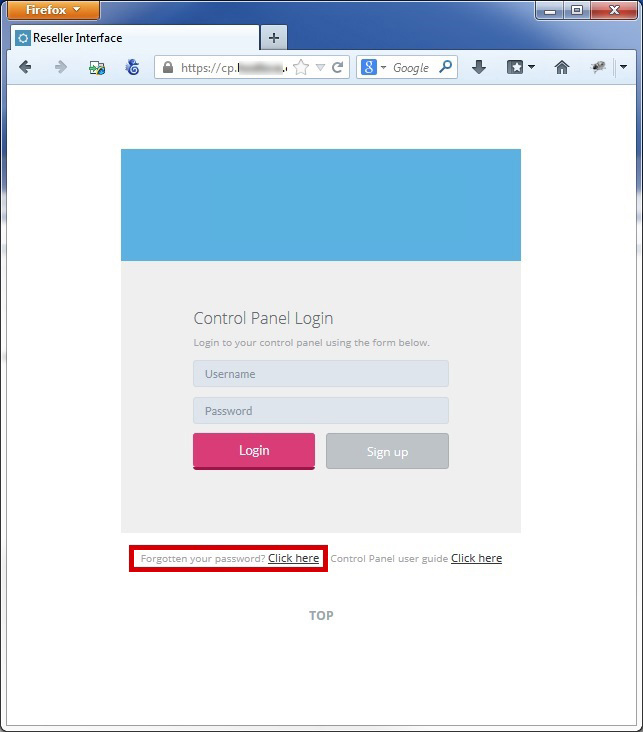
Click on "Forgot your password? click here"
2
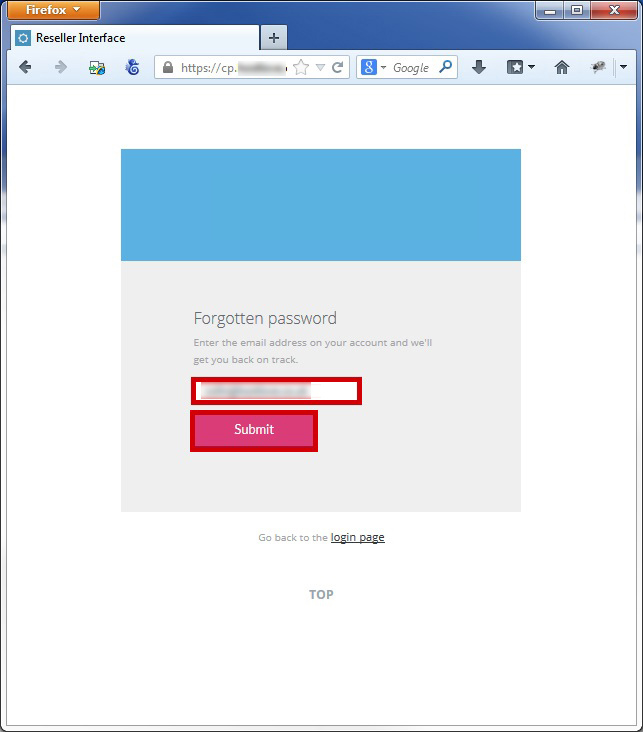
Enter your email address and click Submit
3
If your email address is identified you will be presented with a success message
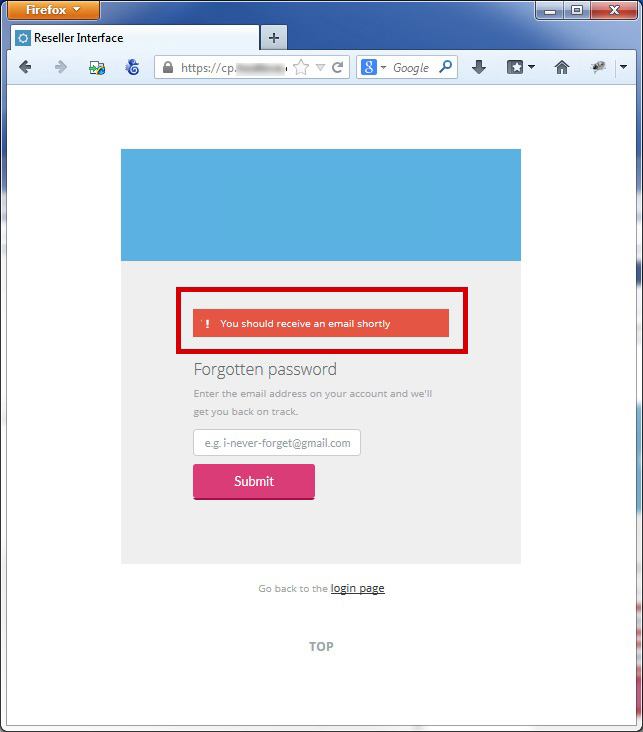
4
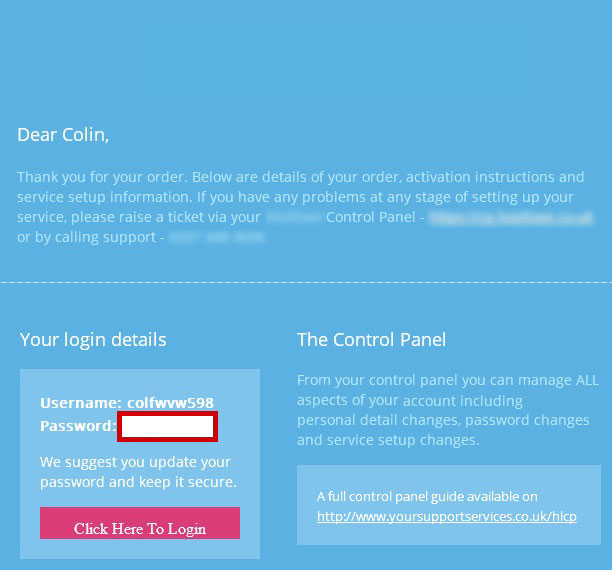
The registered email address on your account will be sent the Login Details
Q Navigation
1
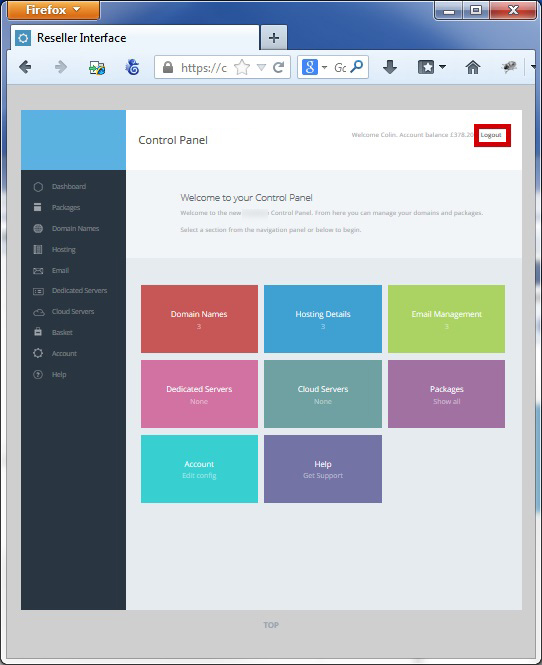
You can navigate to various sections within the control panel by using the "Left Hand Navigation Bar" or by clicking the "main links" on the home page
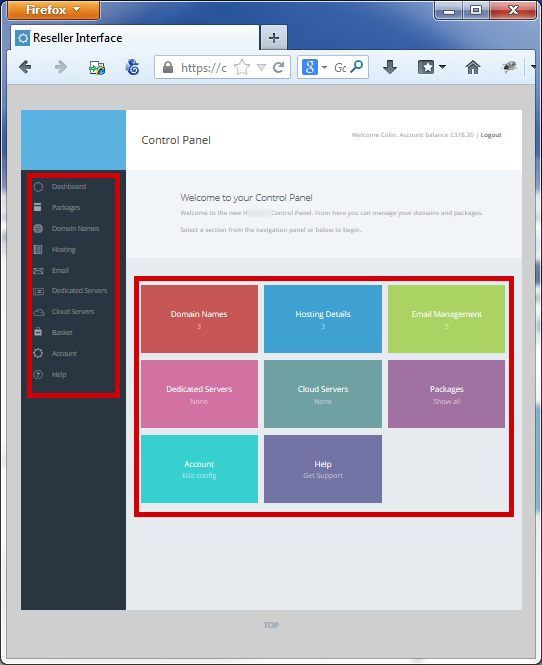
2
Within the control panel there are various buttons, below is a Key
 |
Grey - Action within the control panel |
 |
Blue - Launch another application from the control panel |
 |
Green - Make an update within the control panel |
 |
Red - Remove or delete something from the control panel |
Q Logout
1
You can logout the control panel at any point by clicking "logout", Top Right