
How to update your contact details
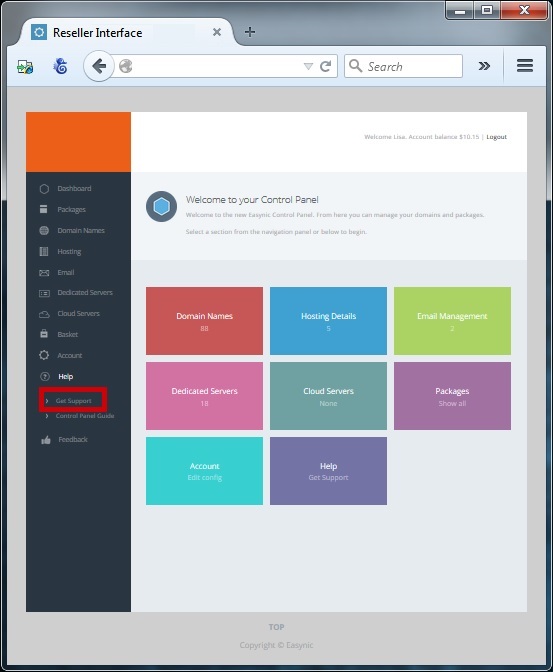
You can amend your contact details by raising a ticket with our support department, you can raise a ticket by clicking "Get Support" from the help section on the left hand navigation
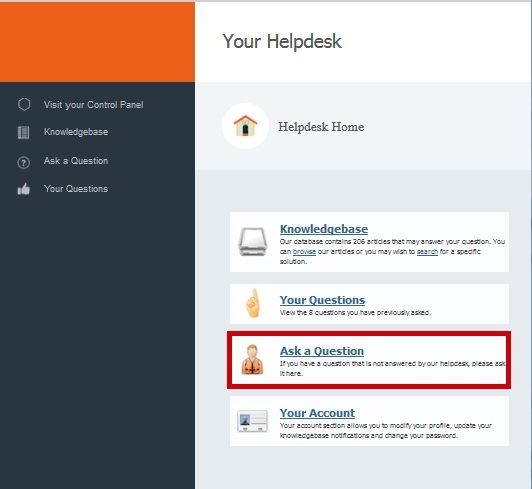
Select "Ask A Question"
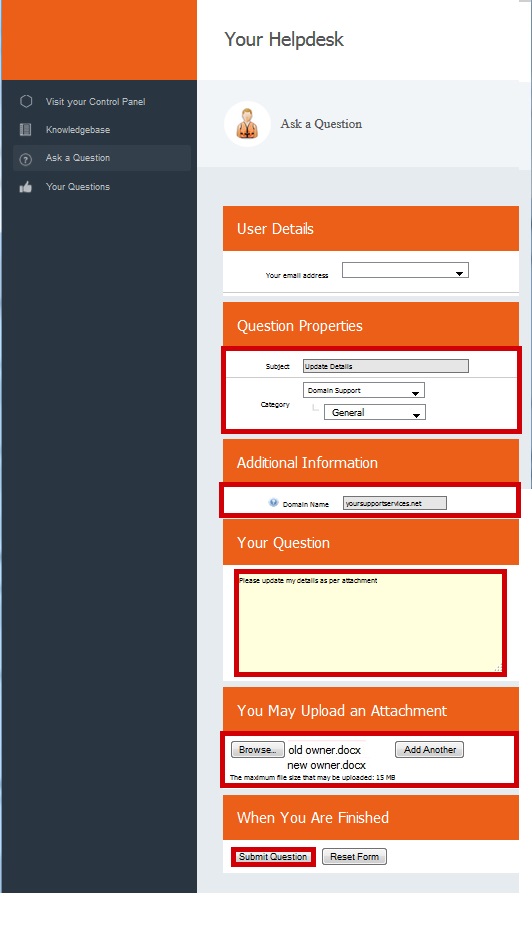
Complete the form Selecting the Category "Domain Name Support >> General"
Ensure you attach 2 signed letters, 1 form the new owner and 1 form the old owner
Click Submit
Confirmation of your question will be presented on the screen
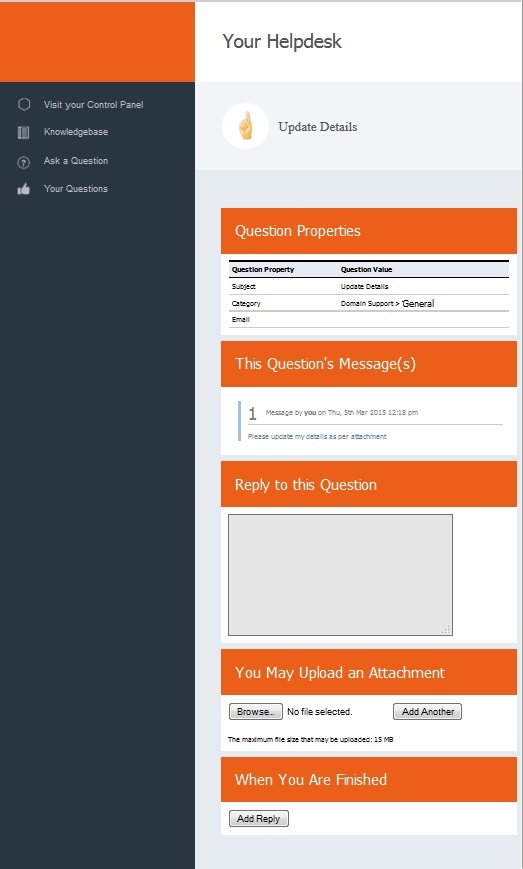
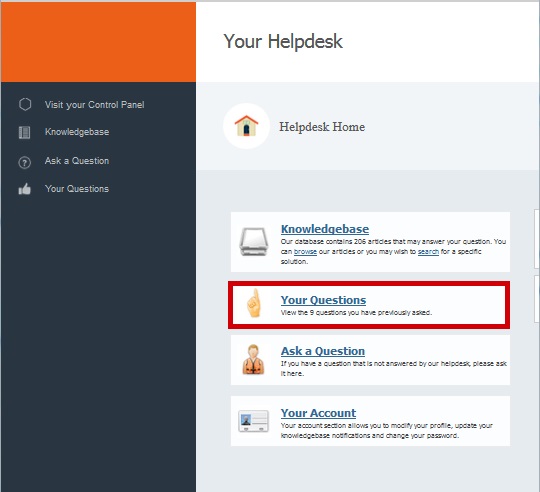
When the work is complete you will receive email confirmation the update has been made and you can also check progress on your tickets by clicking "Your Questions"
UPDATING YOUR EMAIL ADDRESS
All renewal notifications will be sent to your contact email address which can be kept up to date via the Account Management section of the control panel
Select "Account Config" from the Left Hand Navigation Menu

From the "Reseller Email Address" section add change your default email address and click "change Email"

You will be presented with a success message

 |
Quick Start Home |
Update Whois Details |
 |