
What does the Upgrade Button do?
The upgrade button can be used to add services to a package (ie hosting onto a domain or more storage ont email).
For the purposes of this guide we will be demonstrating what the upgrade button does for Domain packages
1
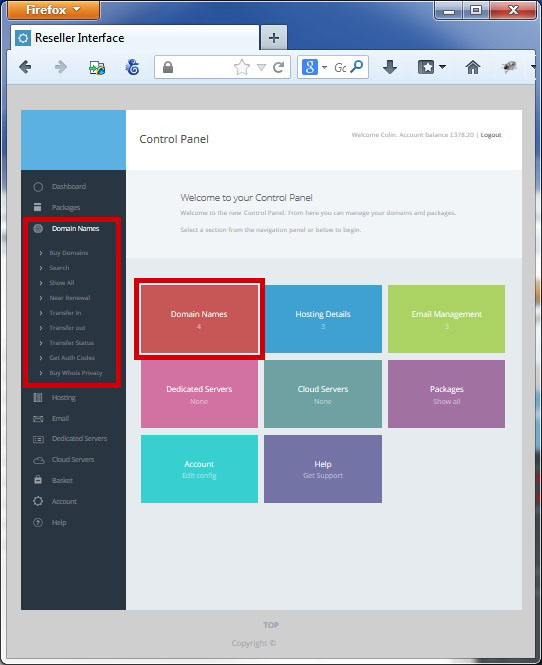
To use the upgrade button select domains from the "left hand side" or "main screen" navigation
2
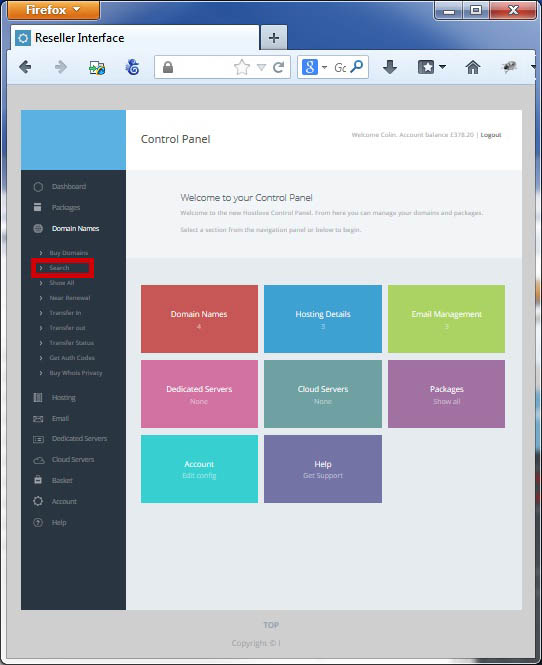
Select "Search" under the Domain Names section on the Left Hand Navigation Bar
3
Search for the domain you want to upgrade

4
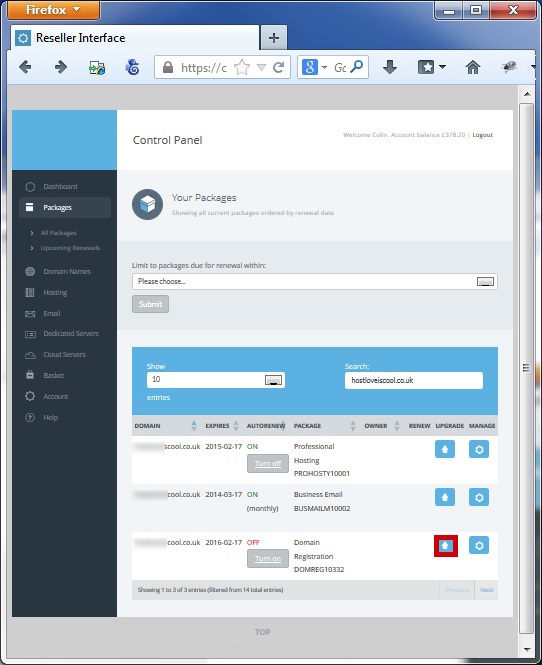
Select "Upgrade" beside the domain ou wish to upgrade
5
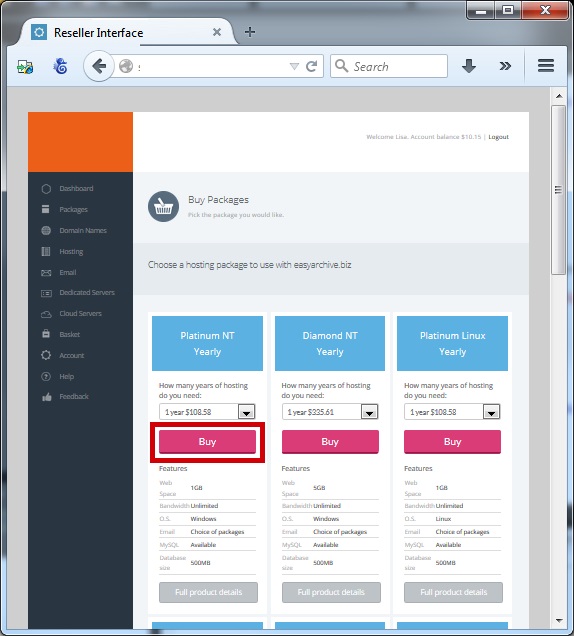
You will be presented with a list of packages that you can upgrade your domain to - select "buy" for your choice
6
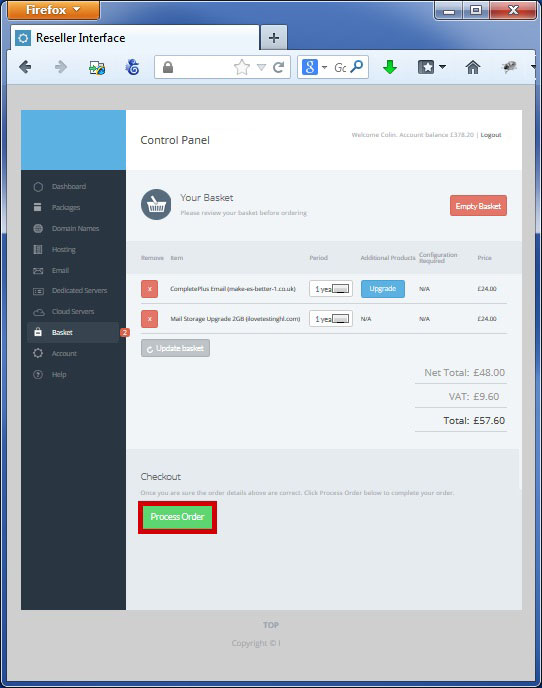
Process the order by clicking "Process Order"
7
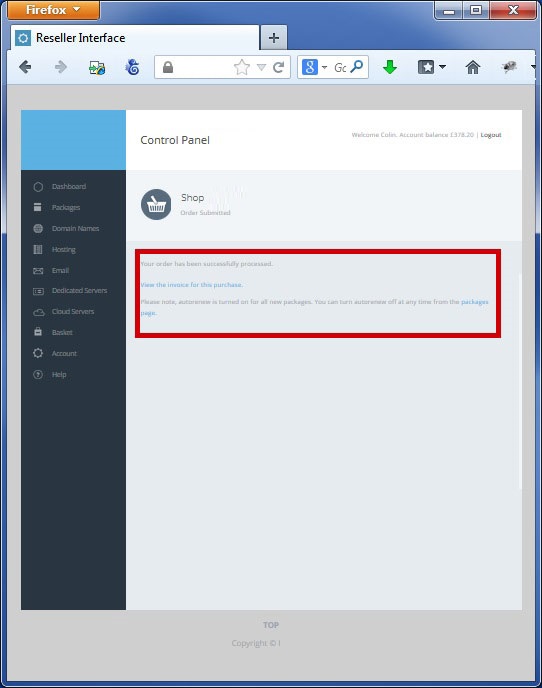
You can then view your invoice for the upgraded package

|
Manage your email |
Export to CSV |

|