
How to renew a domain and amend the billing period
1
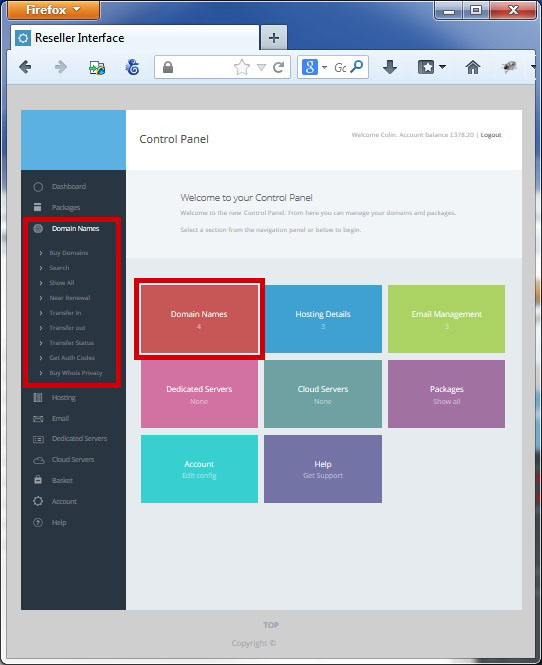
To process a renewal a for a domain name select domains from the "left hand side" or "main screen" navigation
2
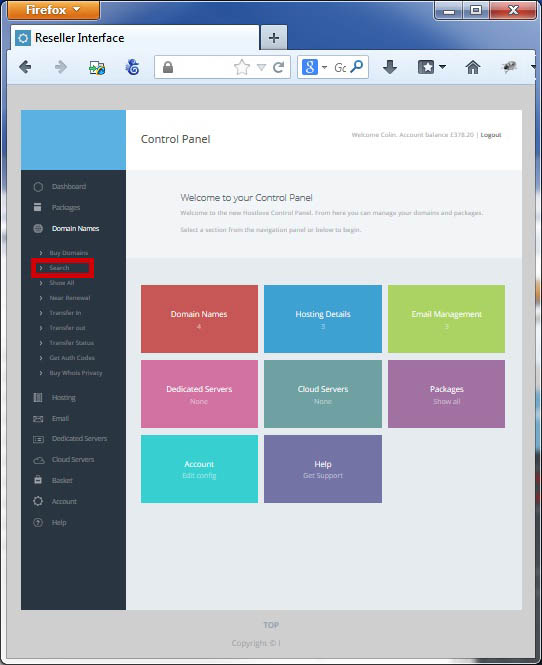
Select "Search" under the Domain Names section on the Left Hand Navigation Bar
3
Search for the domain you want to renew

4
For Services not on Auto Renewal you can add manually renew by clicking on the "Renew Icon" beside the relevant package

5
The renewal is then added to your Basket
6

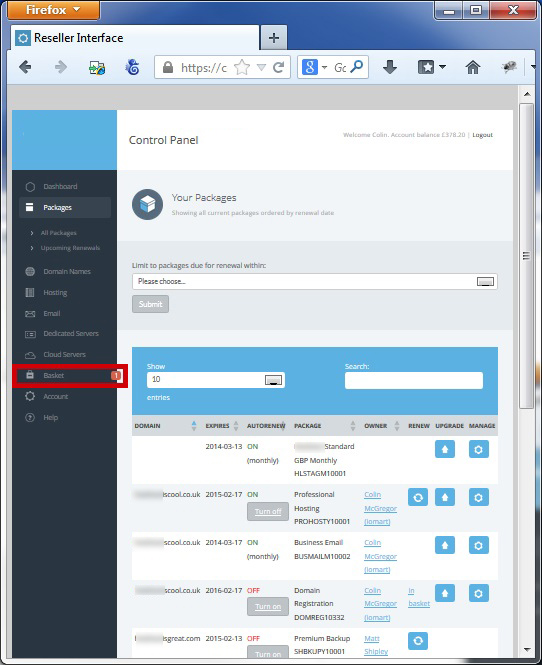
You can access your basket from the "left hand" or "main screen" navigation
7
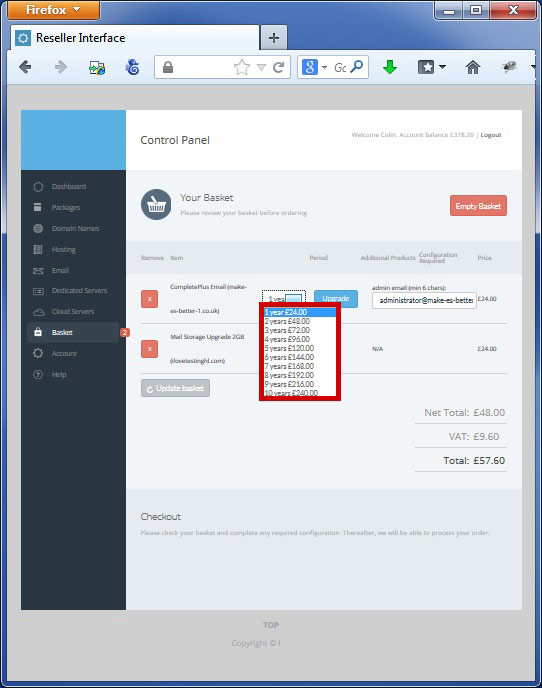
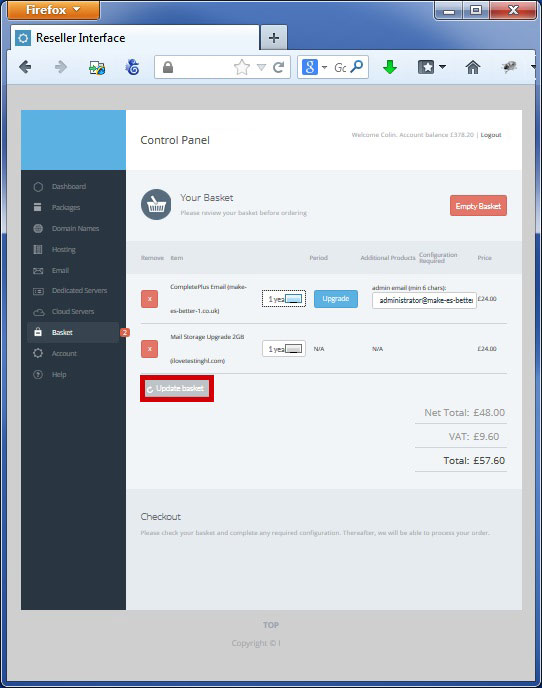
You can change the renewal period by selecting the dropdown
8
Click "Update Basket" to confirm
9
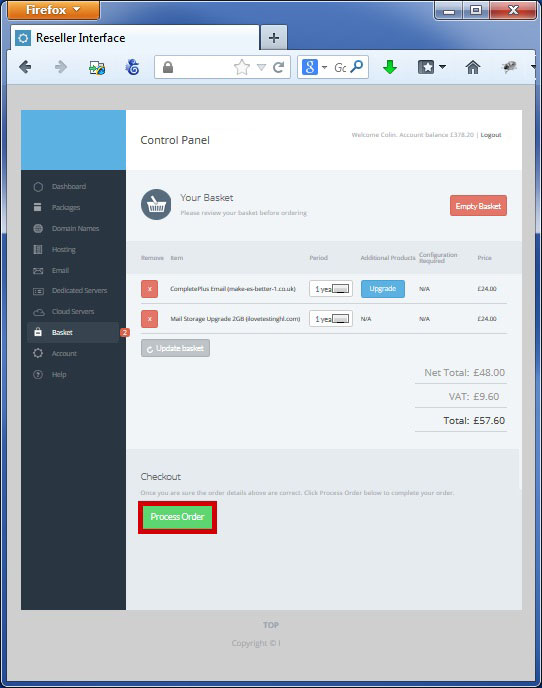
Process the order by clicking "Process Order"
10
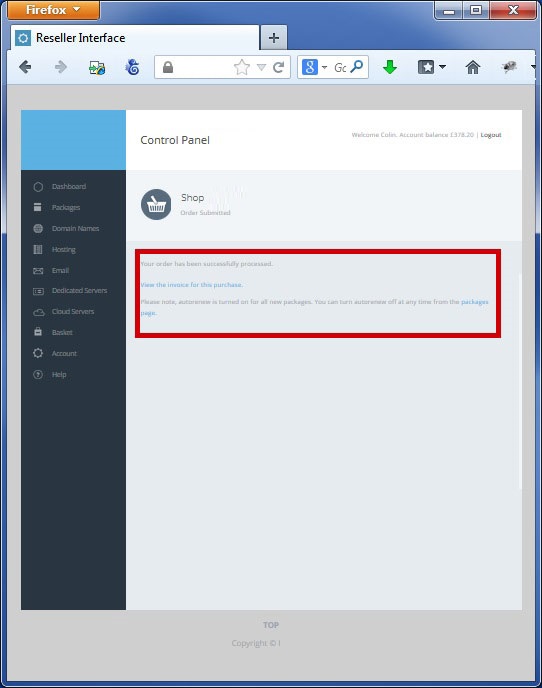
You can then view your invoice and amend your auto renewal status
 |
Process a Domain in Redemption |
Domain Verification Process |
 |