
The following steps guide you through setting up a POP email account in Thunderbird.
1
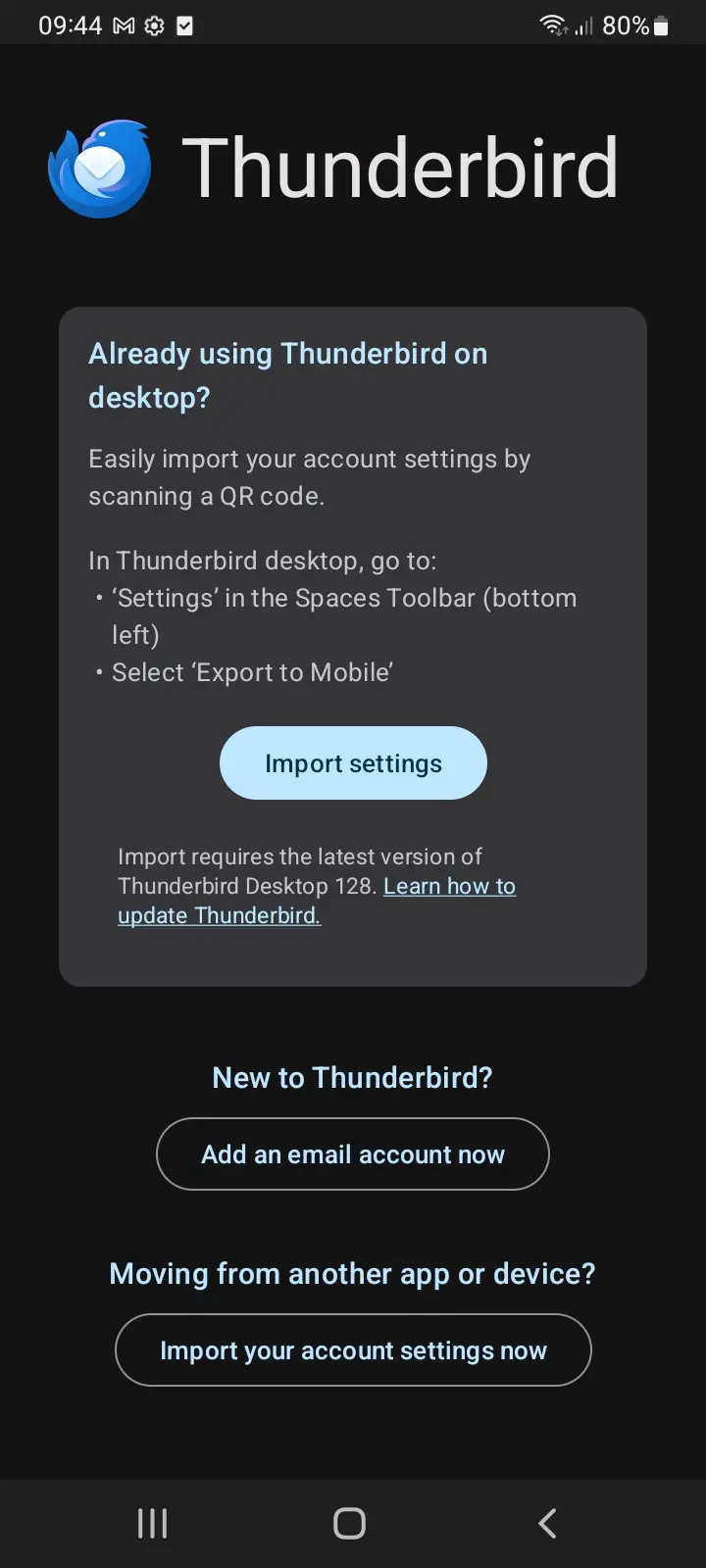
Open Thunderbird and click Add an Email Account Now.
2
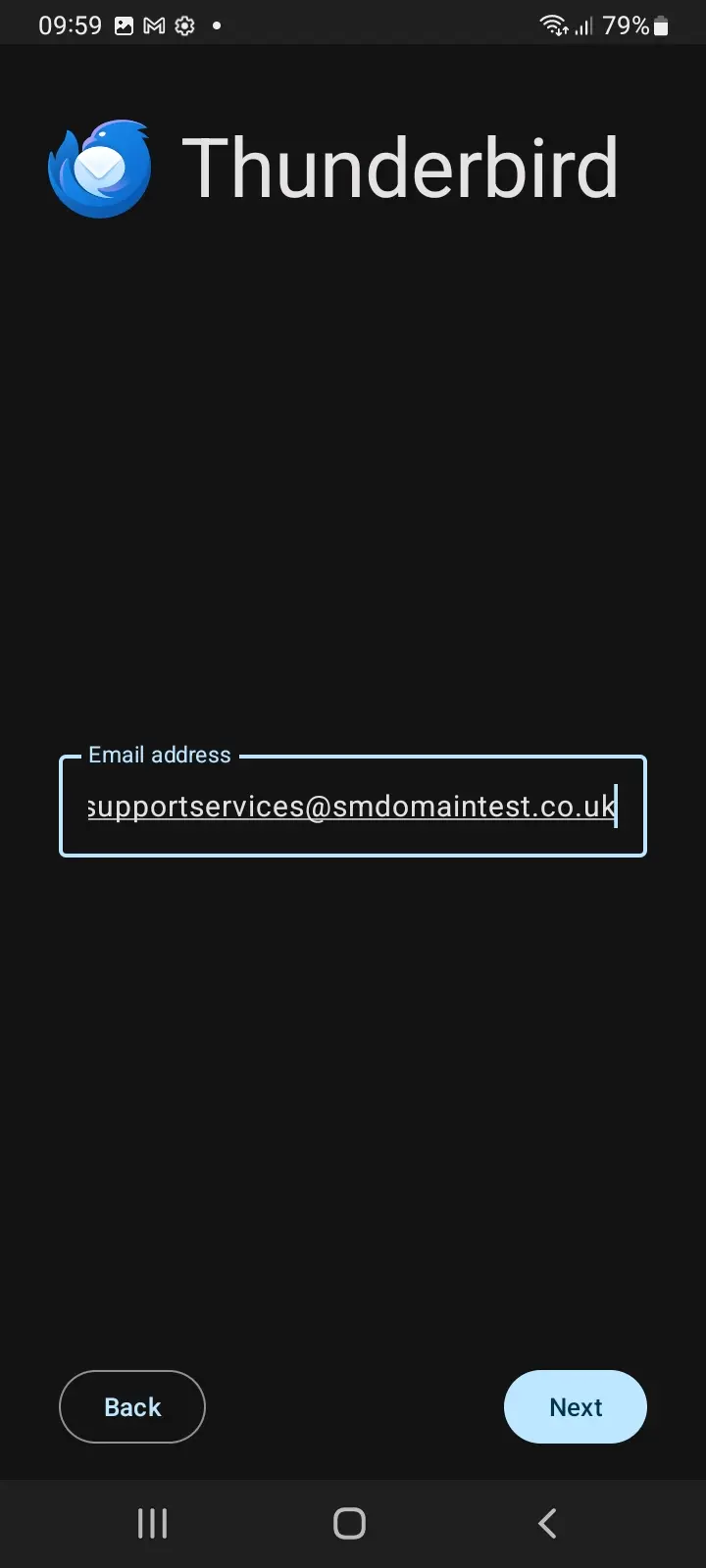
Enter your email address and click Next.
3
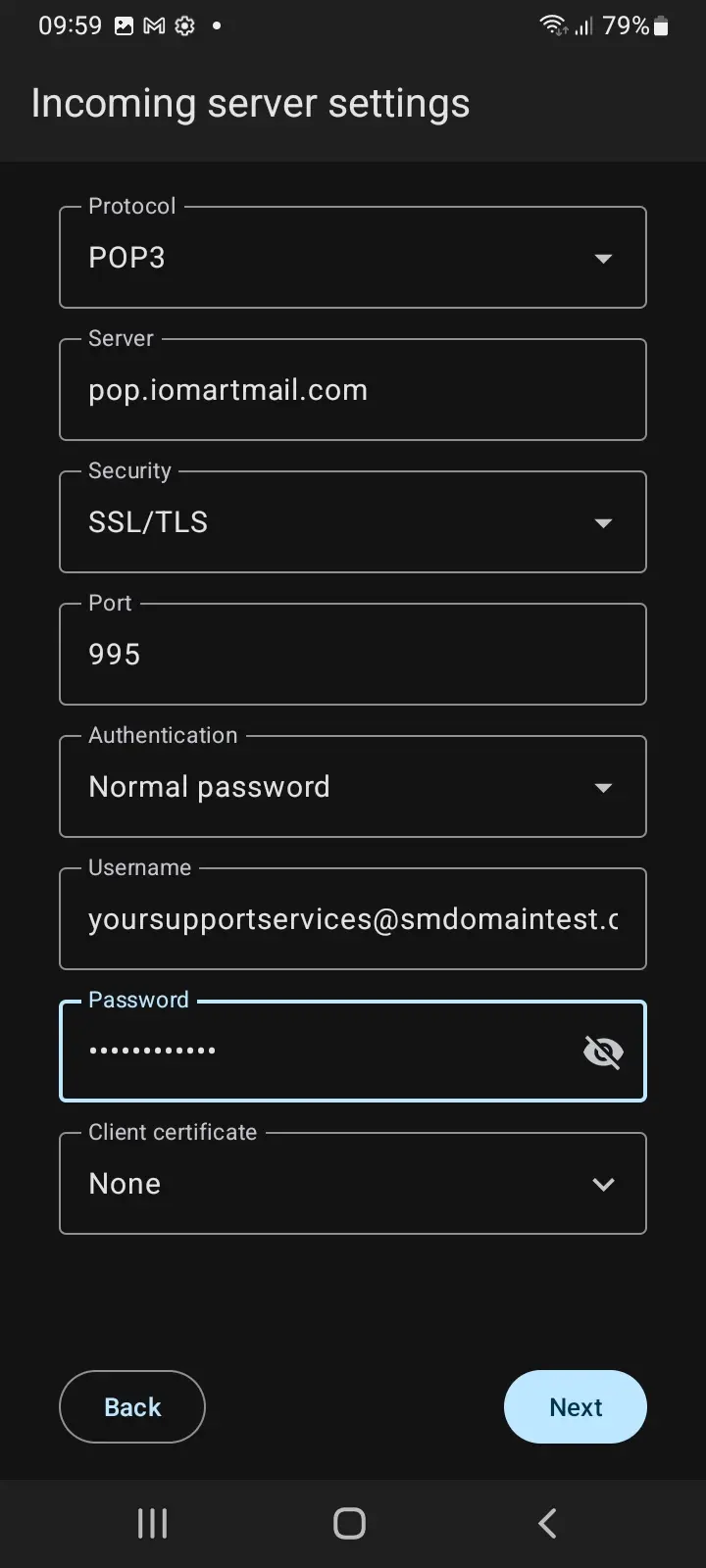
Enter the setup information for your POP email address, including your email address and password. Click Next to verify your settings.
4
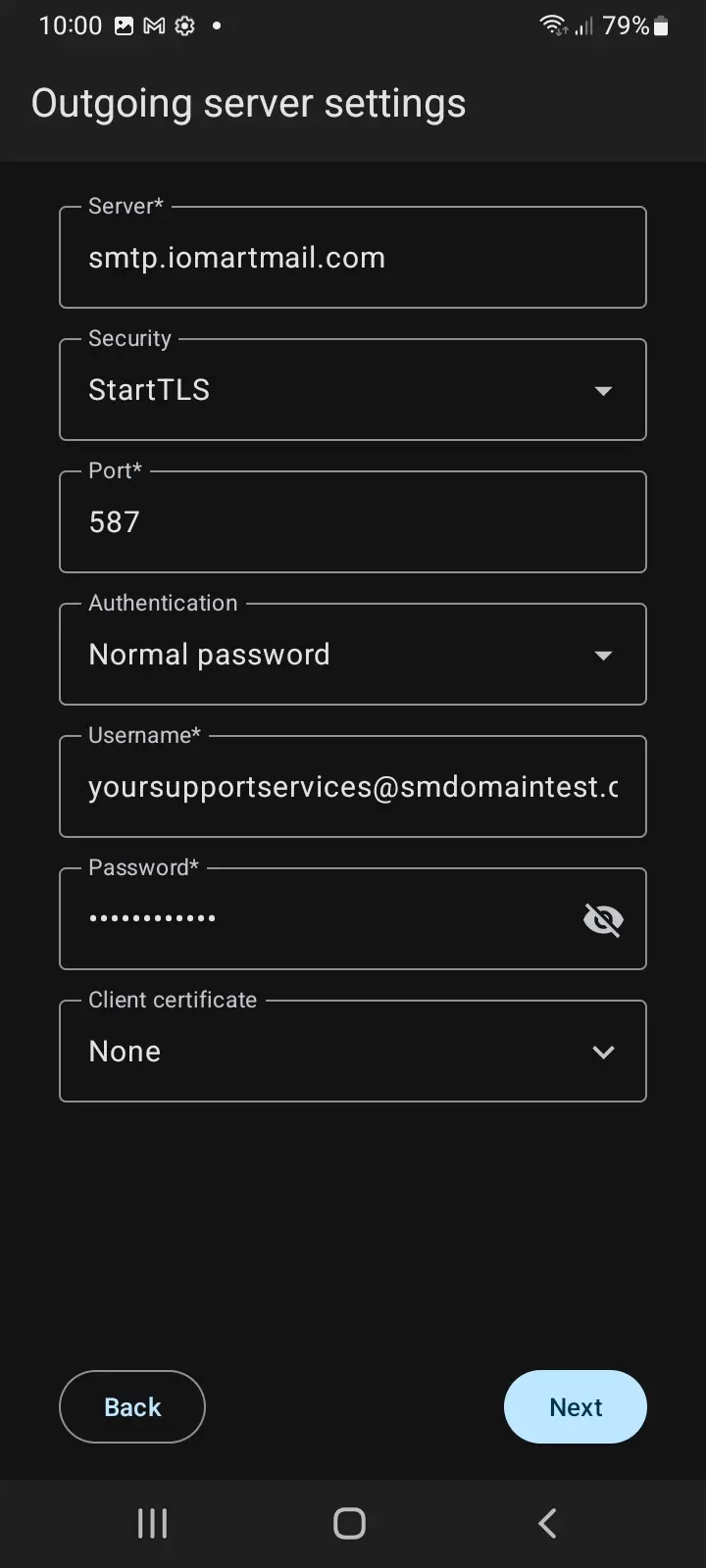
Enter the setup information for the SMTP (outgoing) settings, including your email address and password. Click Next to verify your settings.
5
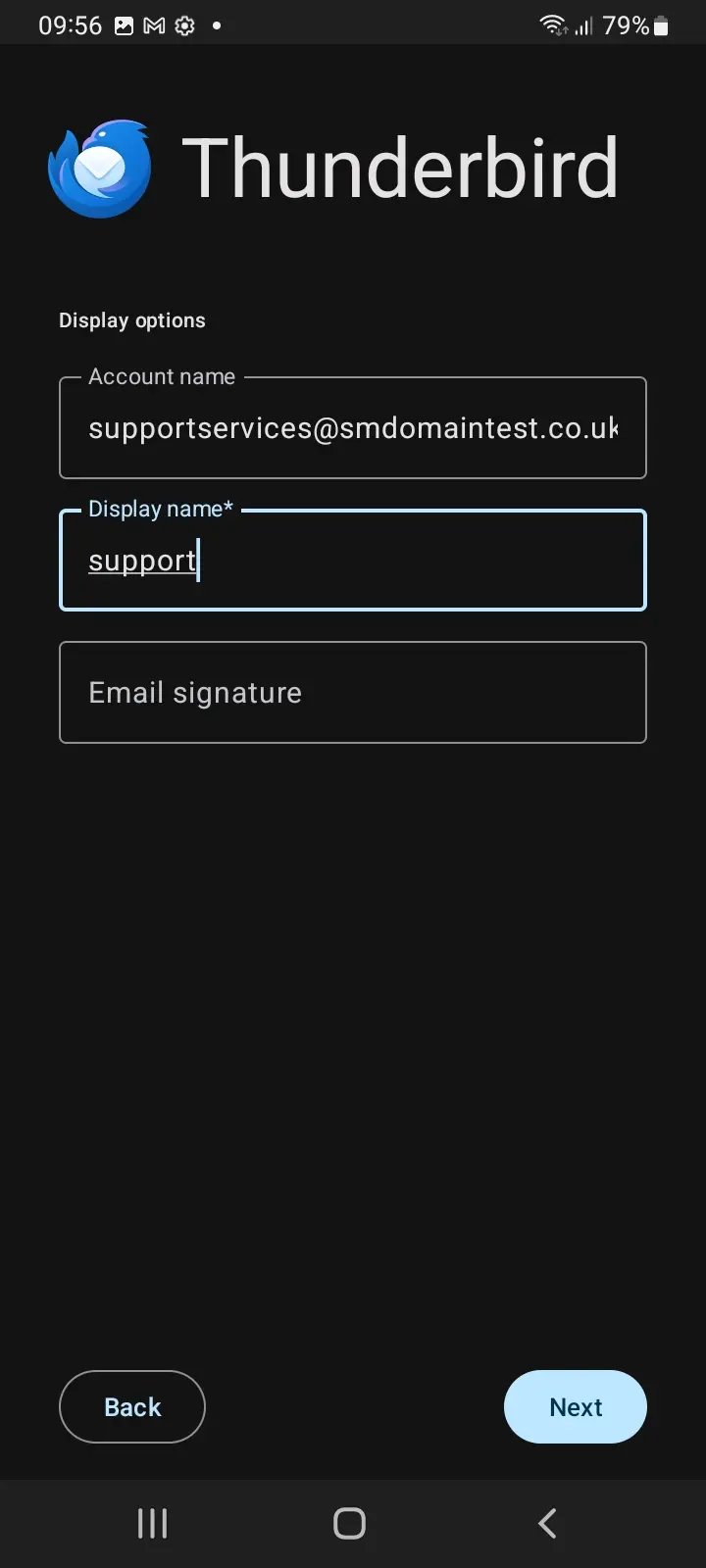
Configure personal options for the account in Thunderbird, and the setup will be complete.
Your POP email account is now successfully set up in Thunderbird.