GENERAL
Q Login
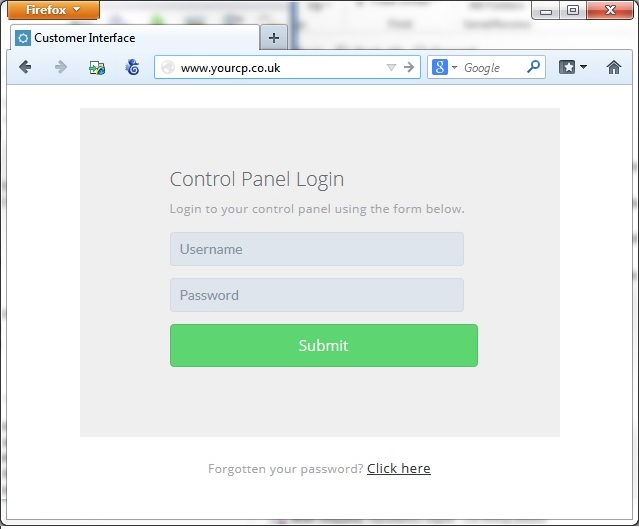
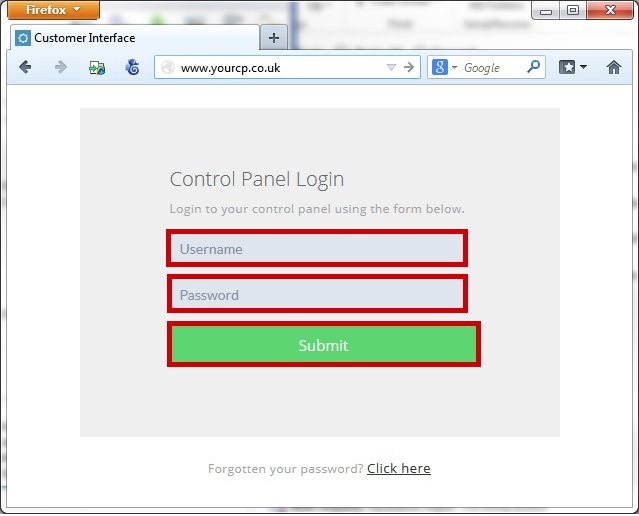
Enter your username and password and click submit.
Q Forgot your password
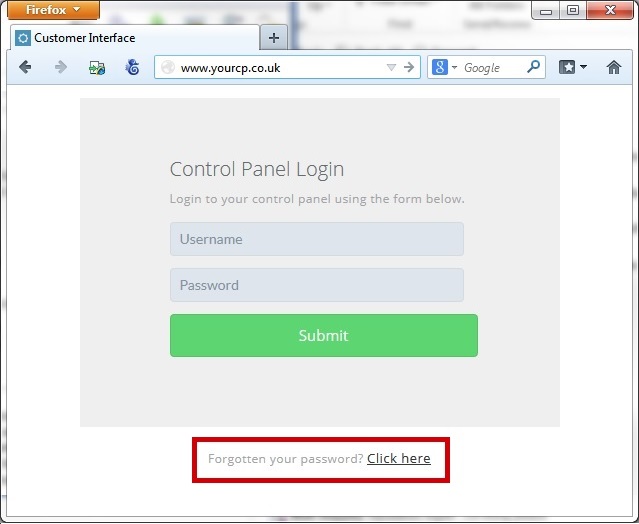
Click on "Forgot your password? Click here".
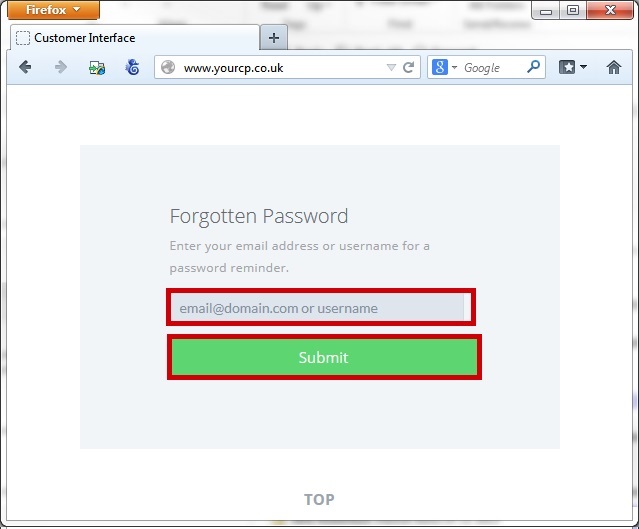
Enter your username or email address and click Submit.
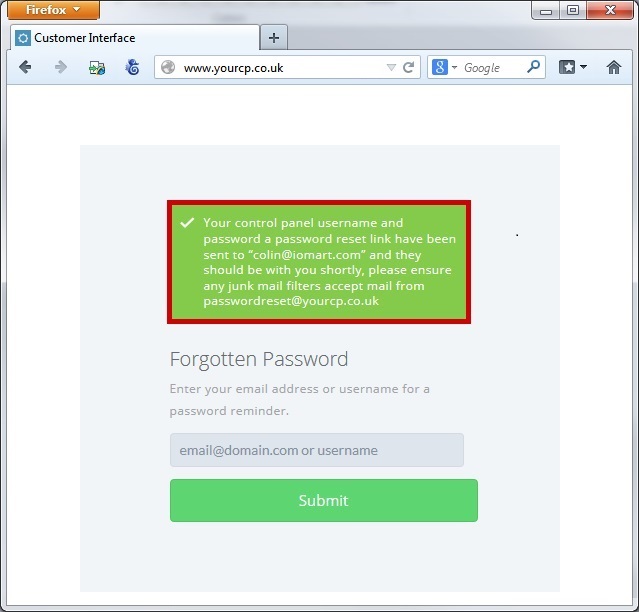
If your username or email address is identified you will be presented with a success message.
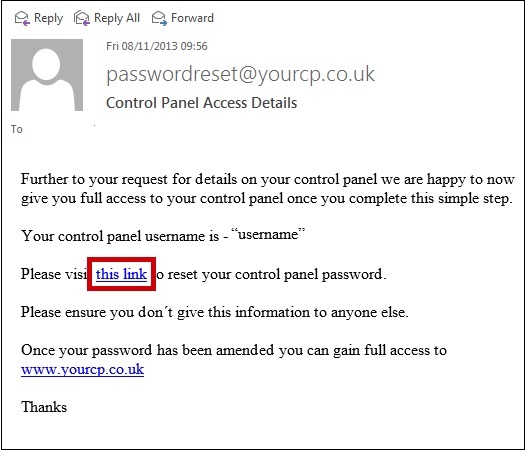
The registered email address on your account will be sent a reset link, when you receive this email click on the link.
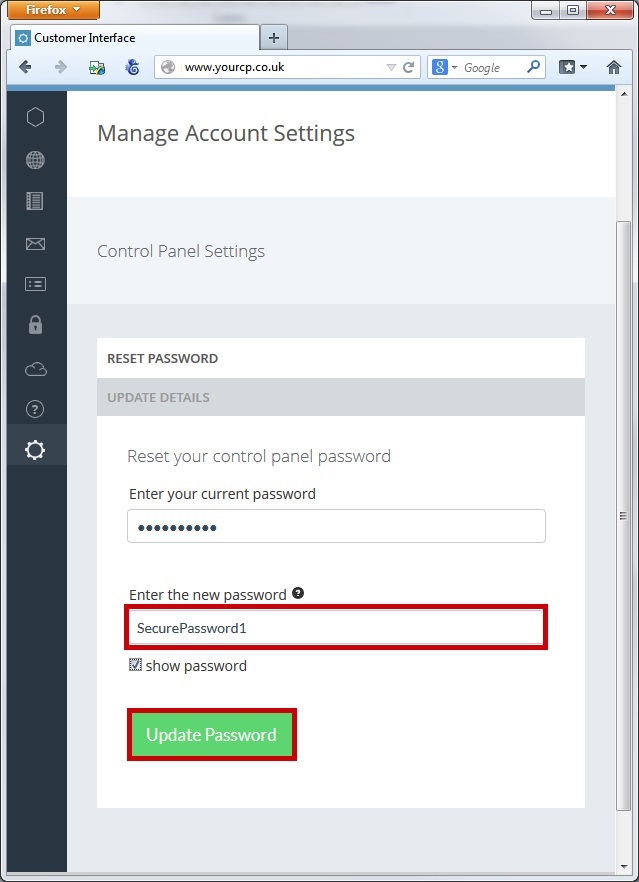
Your current password will be entered, Enter a new Secure password and click "Update Password".
Q Navigation
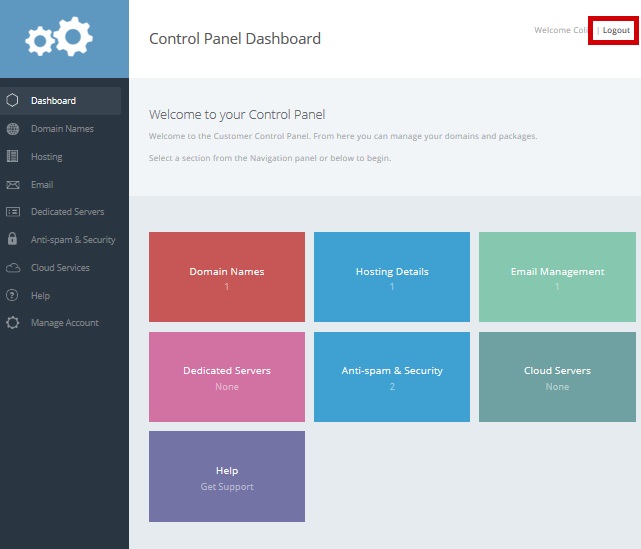
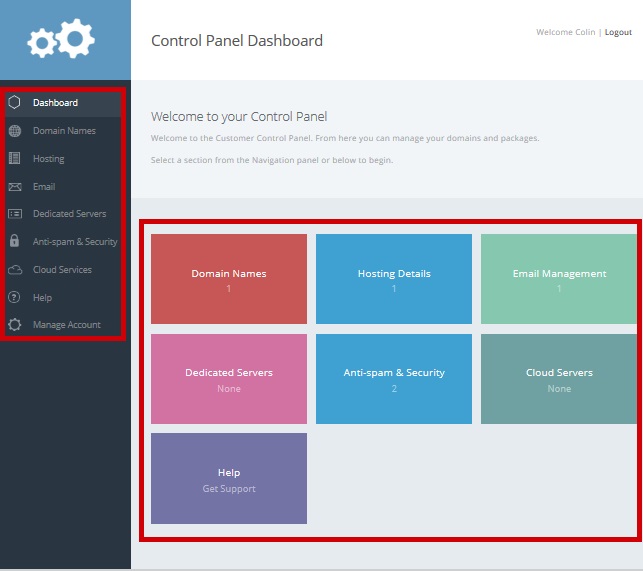
You navigate to various sections within the control panel by using the "Left Hand Navigation Bar" or by clicking the "main links" on the home page.
Within the control panel there are various buttons, below is a Key.
 |
Grey - Action within the control panel |
 |
Blue - Launch another application from the control panel |
 |
Green - Make an update within the control panel |
 |
Red - Remove or delete something form the control panel |
Q Help within the control panel
If at any point you are unsure of how to manage as a section within the control panel there are handy "info" links within every section.

If at any point you are unsure of what to input on a form within the control panel there are handy "?" links within every form input.

Q Logout
You can logout the control panel at any point by clicking "logout", Top Right.