MANAGE ACCOUNT
1

You can manage your account from the "Manage Account" section on the "left hand" navigation
Q Reset password
1
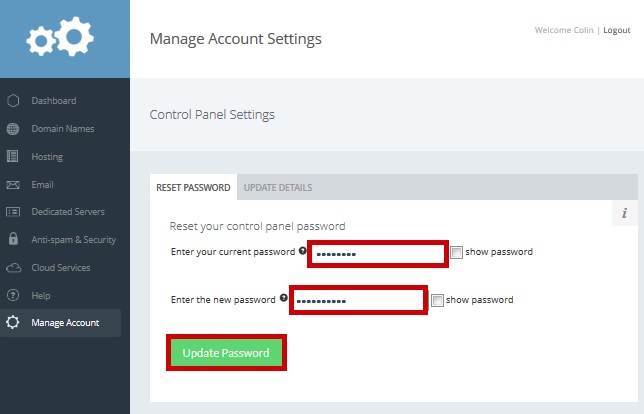
You can reset your control panel password by entering your current password and your new password and clicking "Update Password"
Q Update details
1
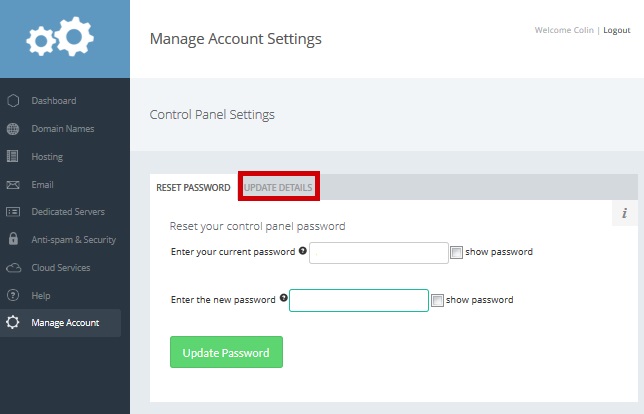
Select the "Update Details" tab
2
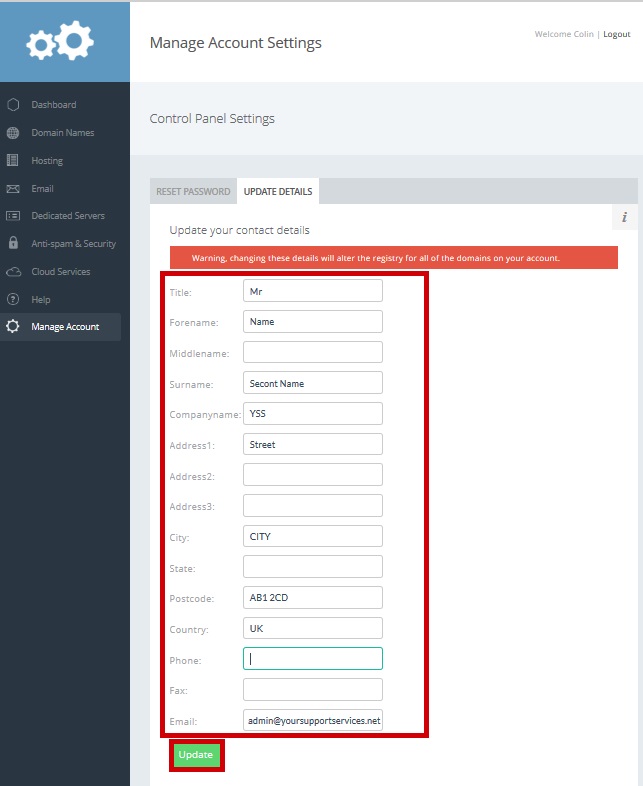
Update any relevant details and click "Update" (NOTE - your domain owner details will also be updated)