
SETUP ON ANDROID

|
Outlook For AndroidOutlook for Android is the application you need to download in order to use your Microsoft 365 email |
1
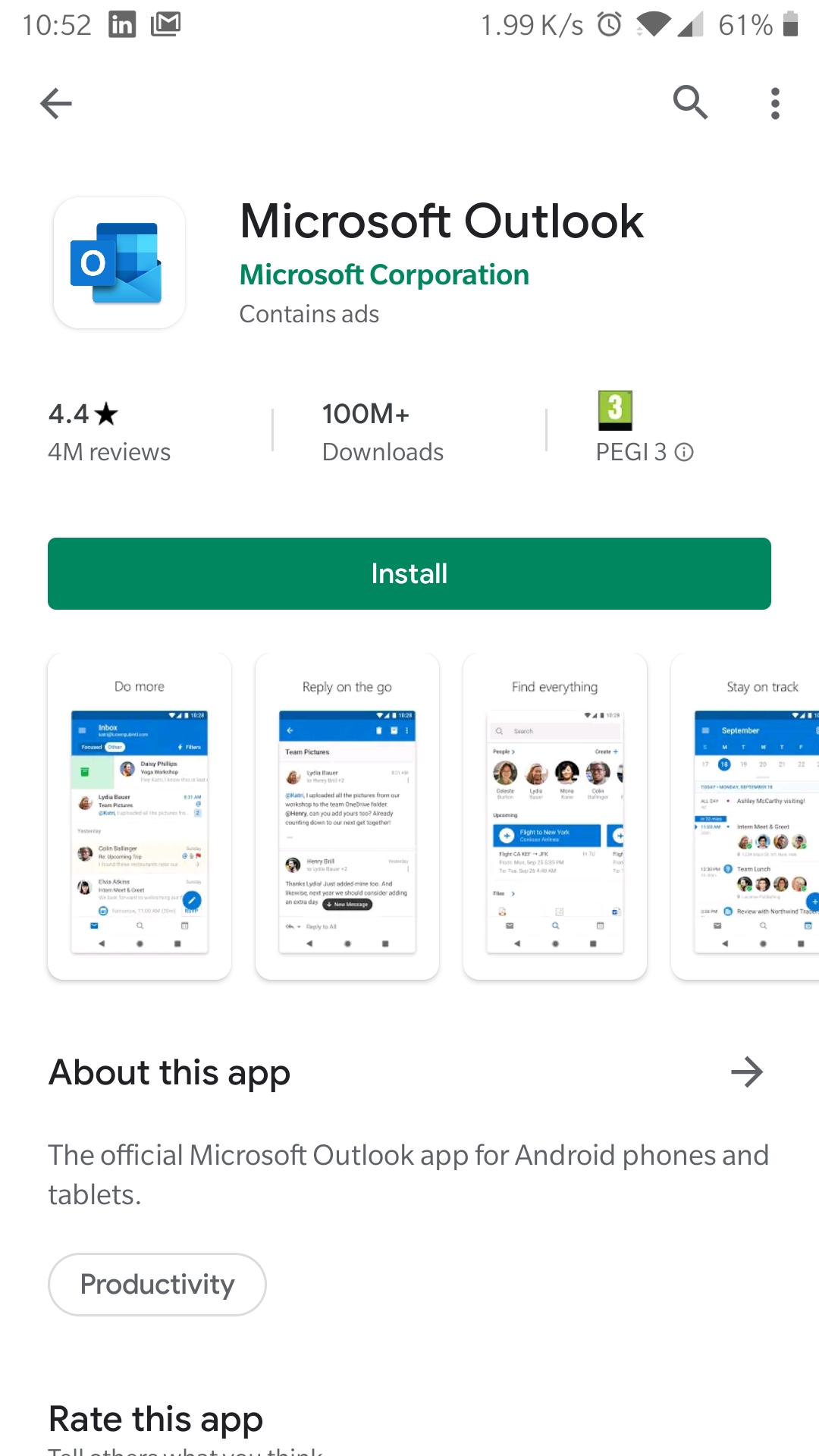
Download and install the Outlook app from the Google Play Store, then launch the app.
2
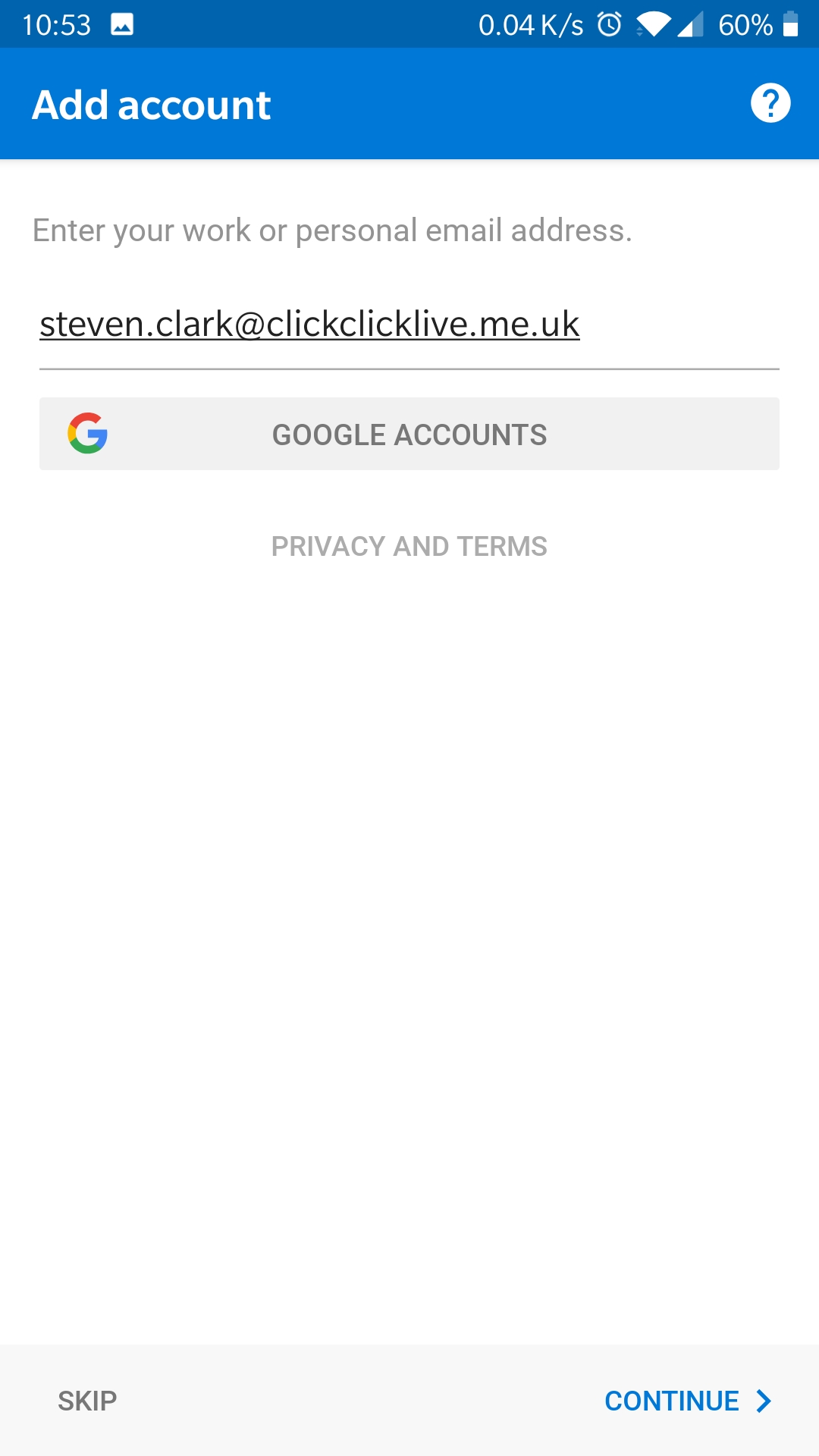
Enter your Microsoft 365 email address and password.
3

As your Microsoft 365 mail account is setup with Autodiscover, the rest of the details will be found by Outlook and your account added and ready to use.
You can now send and receive email using the Outlook app on
your android