
Setup on iPhone
1
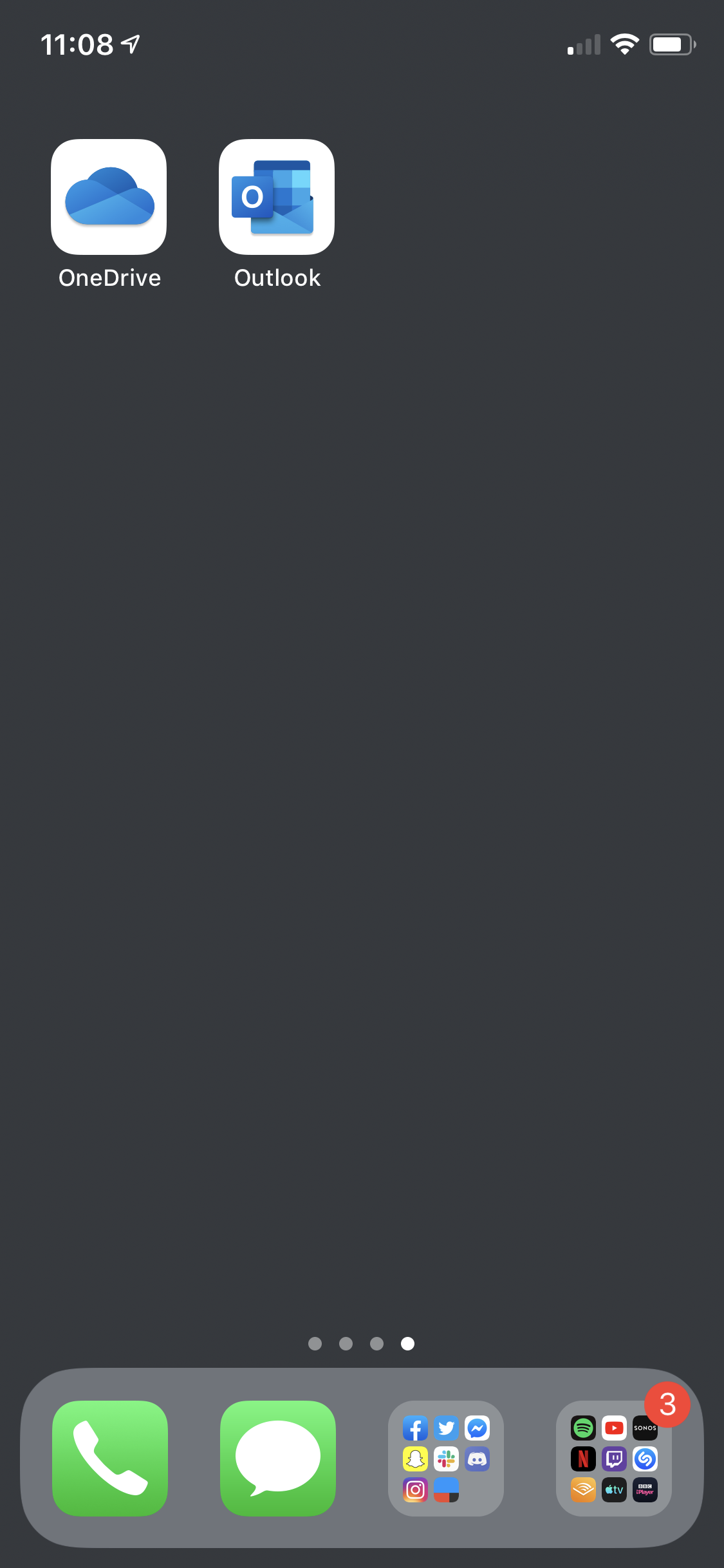
Download and install the Outlook app from the AppStore, then launch the app.

|
Outlook For iPhoneOutlook for iPhone is the application you need to download in order to use your Microsoft 365 email |
2
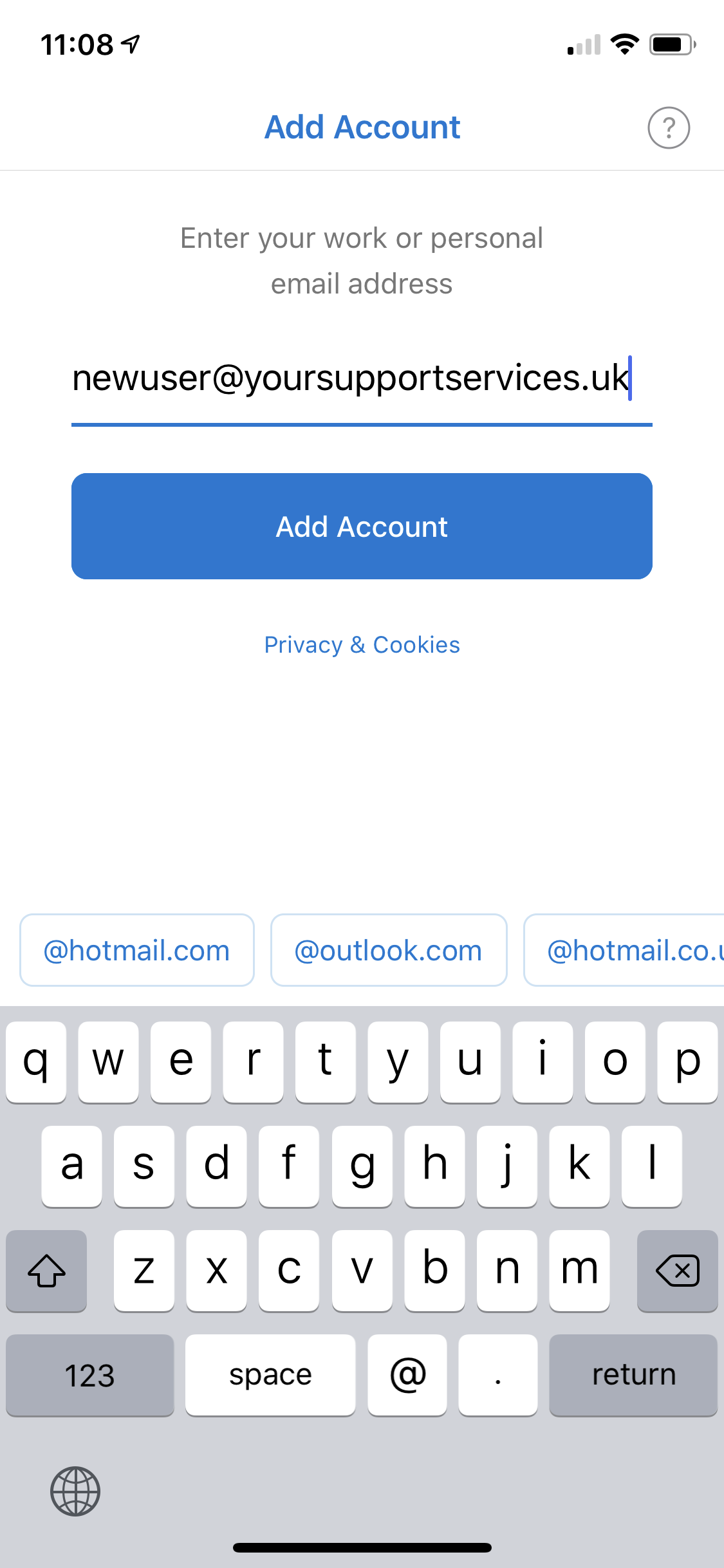
Enter your Microsoft365 email address and password.
3
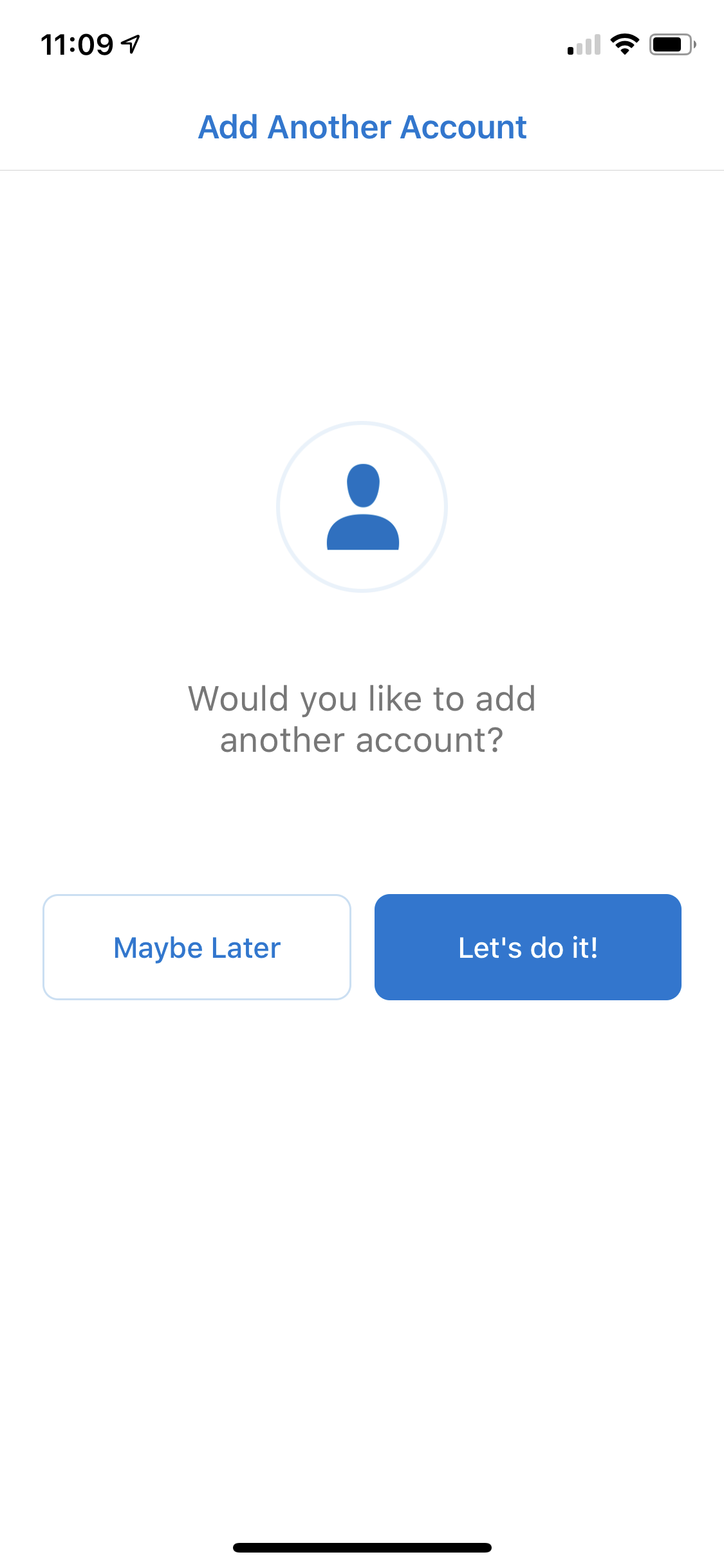
As your Microsoft 365 mail account is setup with Autodiscover, the rest of the details will be found by Outlook and your account added and ready to use.