
SETUP IN MAC MAIL
1

Open the Outlook Application installed with your Microsoft 365 Suite.
2

Before adding the email address, make sure Outlook is activated. Select the Outlook menu and Activate Office.
3
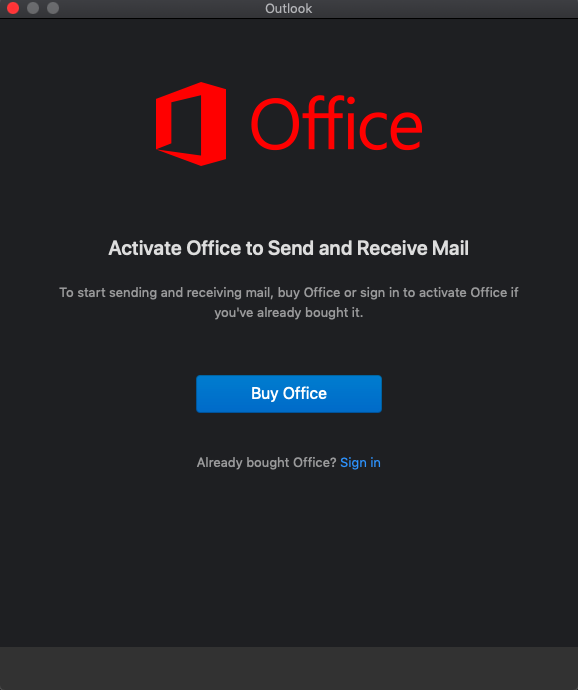
Select Sign in underneath the Buy Office option and Sign in with the email address and password of your 365 account.
4
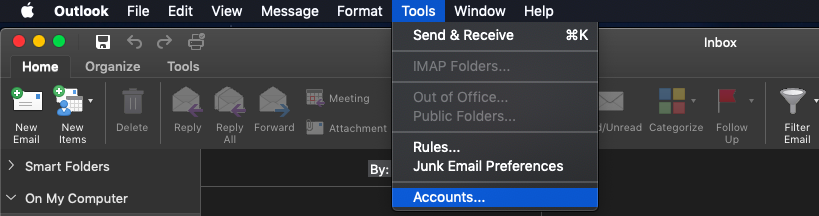
After activation you can now add your email account. Go to Tools and Accounts.
5
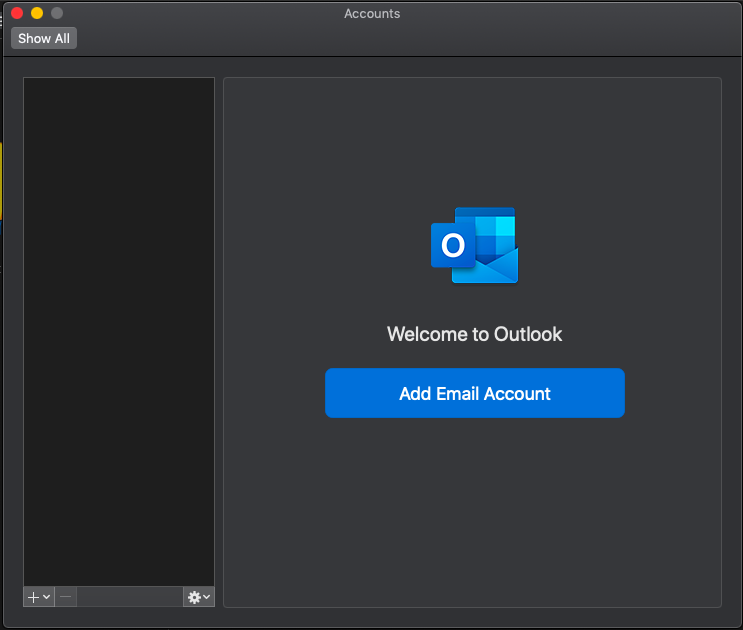
Select Add Email Account.
6
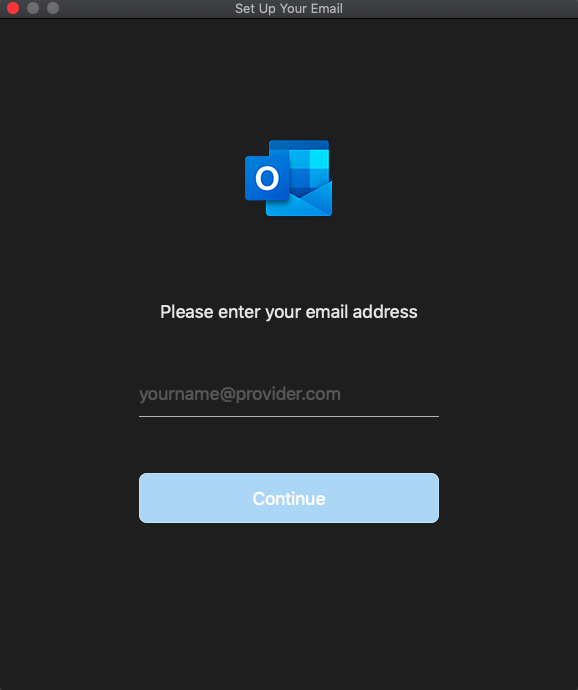
Fill in your email address and click Continue. You will then be prompted for the password.
7
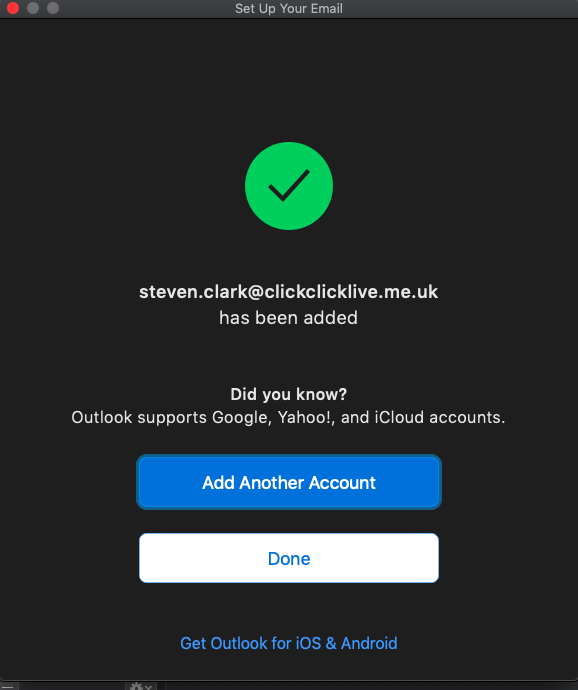
As your Microsoft 365 mail account is setup with Autodiscover, the rest of the details will be found by outlook and your account added and ready to use.