
SETUP ON WINDOWS PHONE
1
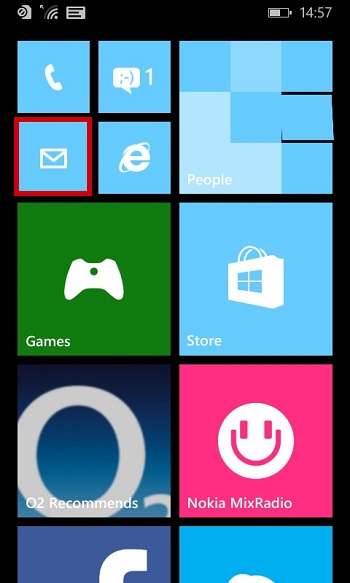
Launch the mail App
2
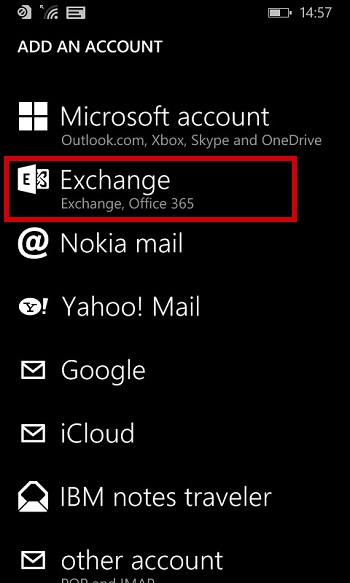
Tap "Exchange"
3
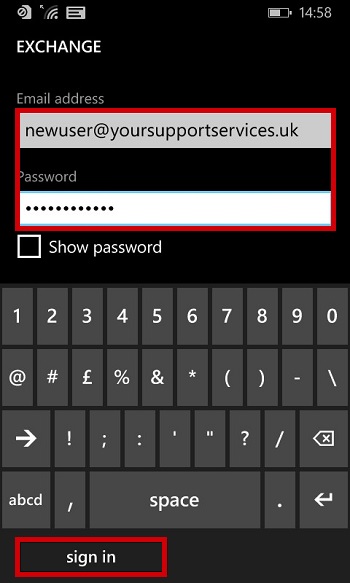
Enter Required Data and click "Sign In"
| E-Mail Address : | your.name@domain.com |
| Password : | This is the password you associated with your Microsoft 365 Login |
4
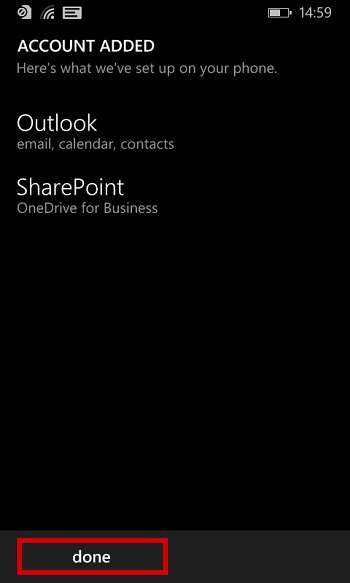
If Your Account has been added successfully you will b presented with a "Account Added" screen, Click "Done"
You can now send and receive email using the Outlook app on
your Windows Phone