One Drive
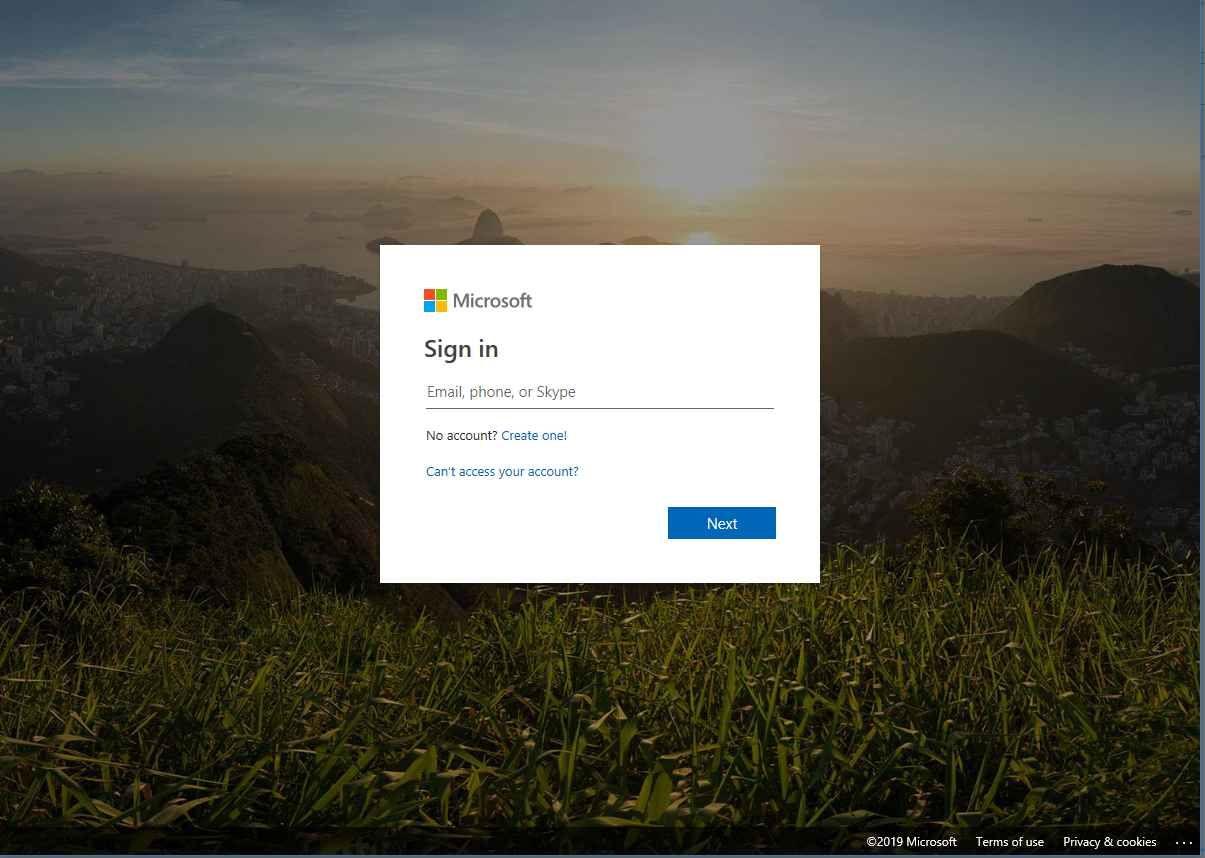
You can access the Microsoft 365 Portal by visiting https://login.microsoftonline.com
Sign in with the admin username and password you were provided with as part of your setup
Select One Drive from your Apps menu.
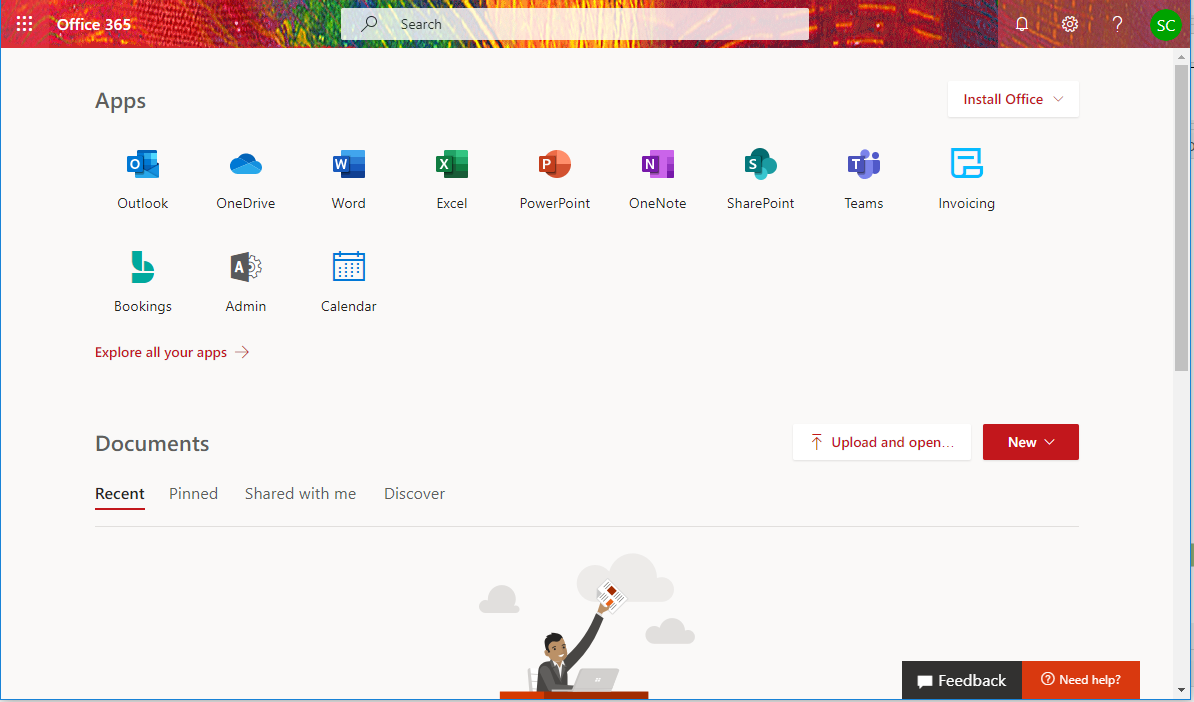
You will be taken to your One Drive Web Application.

On the left side panel, select Get the OneDrive apps.

You will be taken to a page to allow you to Start OneDrive (If installed already) or to Download and install the application.

Once installed and the application started you will begin setting up which folders you would like to sync. You can use Change Location to change which folder(s) you want to sync. Click Next to continue.
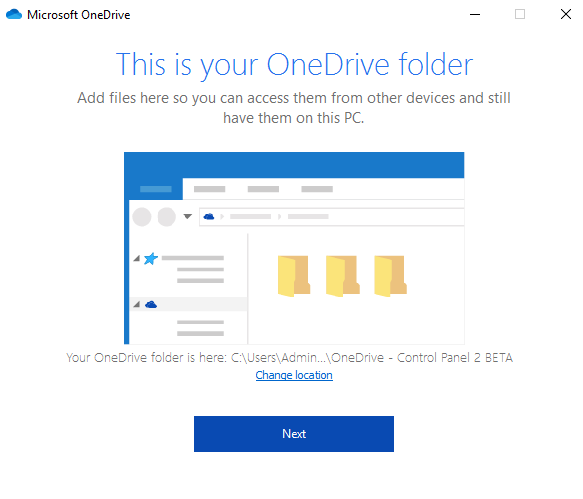
If your selected directory has files in it already you will be asked to select which files you would like to Sync up to your OneDrive account.Click Next to continue.

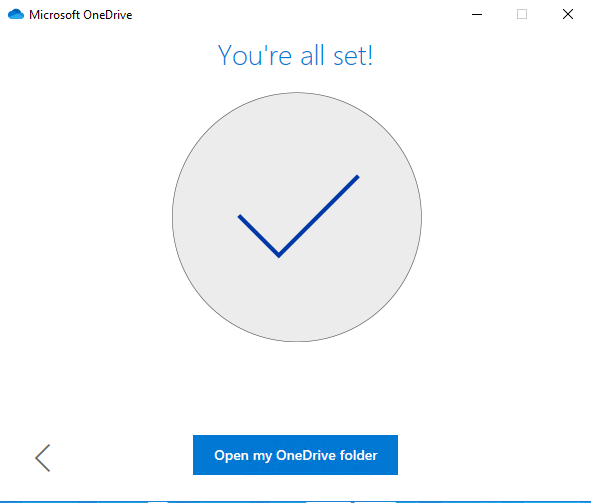
Finish the sync setup and you will be ready to use OneDrive locally on your PC.