
SETUP IN OUTLOOK
1
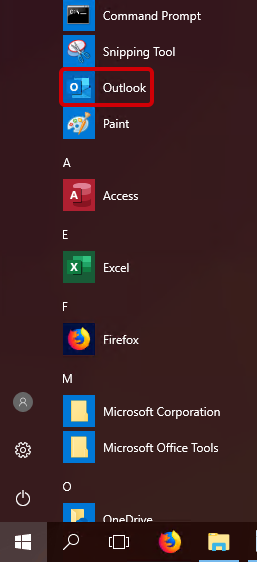
Open up your Outlook application that you installed with the 365 suite.
2
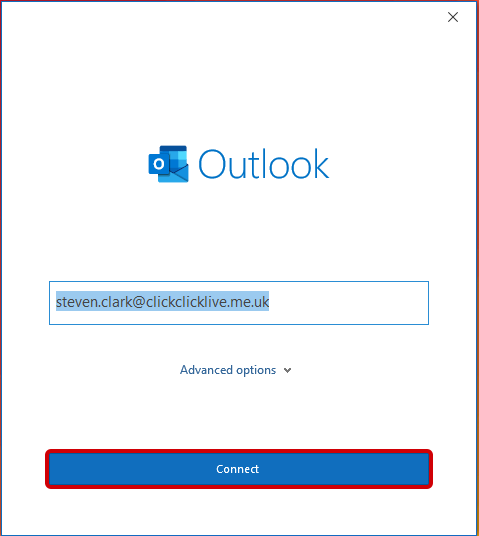
On first open you will be prompted to add your email address. Then select Connect.
3
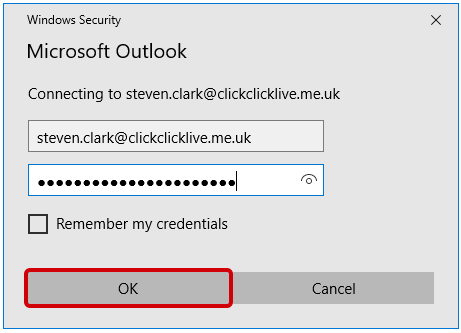
In the password prompt box enter the password for your email address and hit OK
4
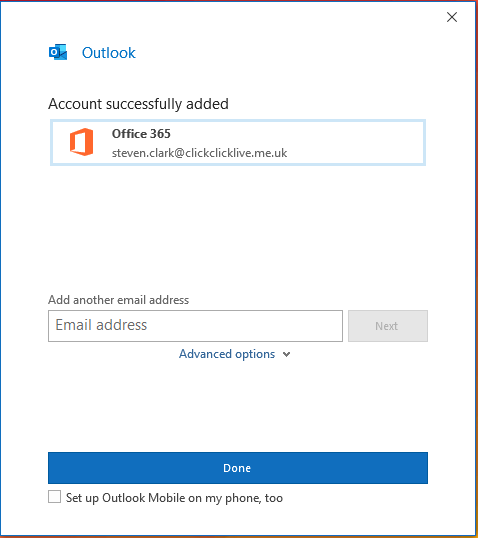
As your Microsoft 365 mail account is setup with Autodiscover, the rest of the details will be found by Outlook and your account added and ready to use.