
Download and install Microsoft office on windows
Login to the Microsoft 365 by visiting https://login.microsoftonline.com using your email address and password and select Install Office and Select Office 365 apps
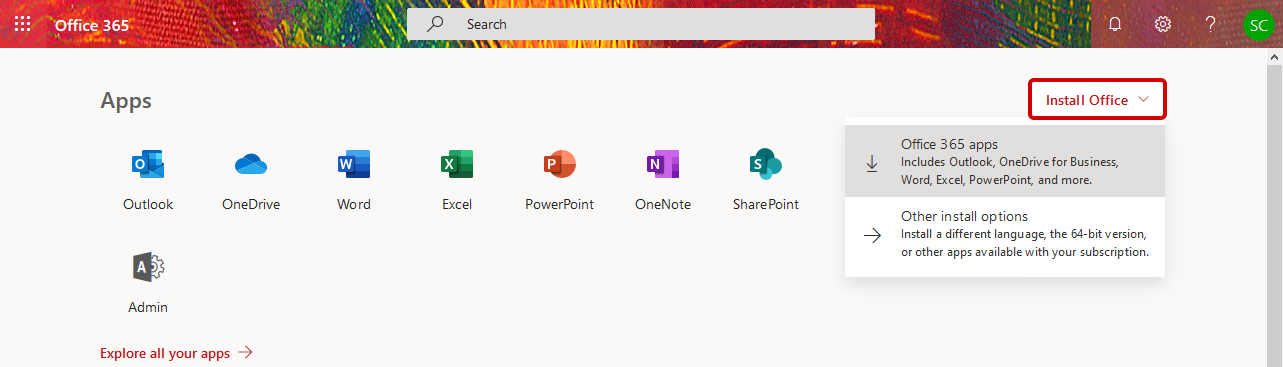
An installation file will download to your selected download folder

Click on the installation file and Run to begin the installation process.
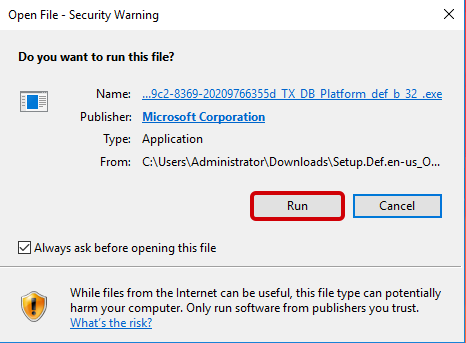
Microsoft Office will now install on to your computer.

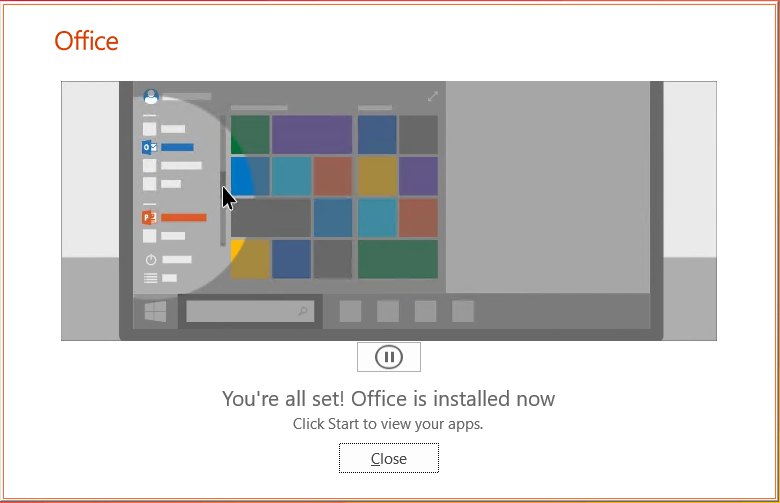
Once it's done you should get a successful installation message such as below.
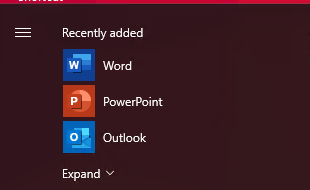
If you look on your start menu you will see some of your Microsoft Office applications appear here.
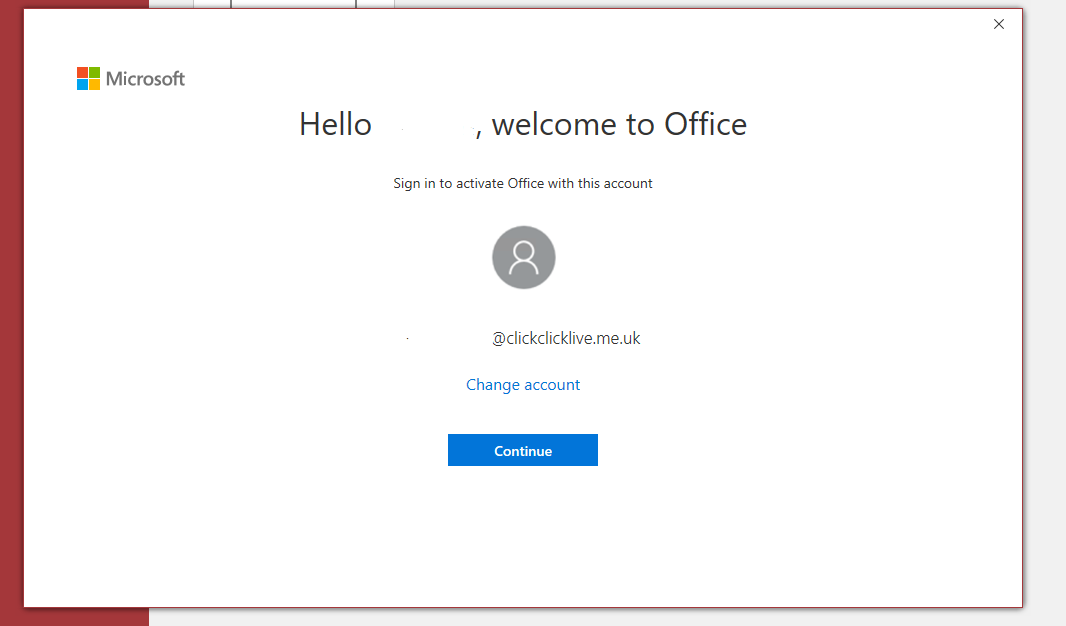
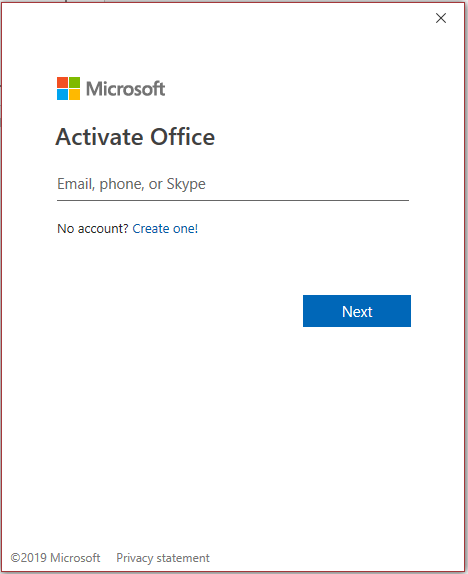
Open one of the applications and you will be asked to sign in using the same credentials you logged into the web portal with. Select Continue when ready.
Once you have signed in, you are ready to make use of the entire Microsoft Office suite assigned to your Microsoft 365 account.